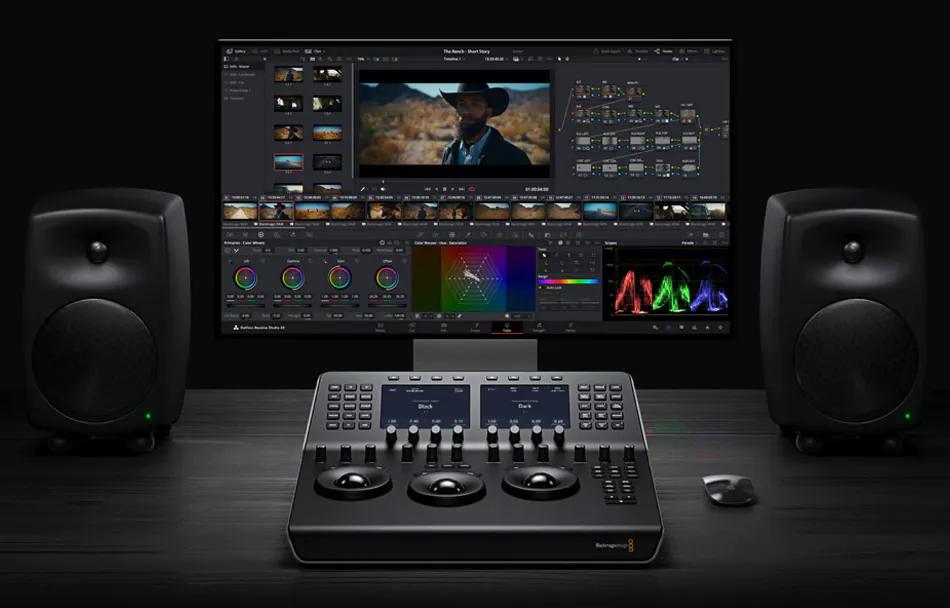
At EditShare, we’re all about shared storage for video teams, and we’re super excited to talk about DaVinci Resolve® 20 , Blackmagic Design’s latest release that’s bursting with over 100 new features.
This update is like a turbo boost for editors, colorists, VFX artists, and audio folks, blending slick AI tools with intuitive features to make your workflow smoother from start to finish.
There’s so much to unpack, we can’t cover it all, but trust us, it’s a total game-changer for video editing, shared storage, and team collaboration.
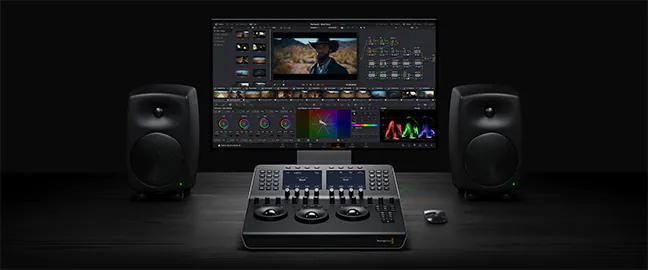
AI Tools That Feel Like Magic
DaVinci Resolve® 20’s AI features are like having a creative sidekick.
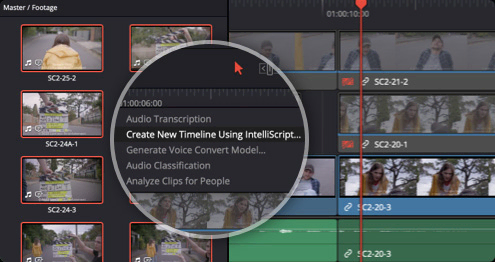
- AI IntelliScript takes your script and builds a timeline by matching audio to clips, picking the best takes for you.
- Want to grab your audience’s attention? AI Animated Subtitles make words pop on screen as they’re spoken.
- For multicam projects, AI Multicam SmartSwitch automatically selects camera angles based on who’s talking, using audio and lip-sync smarts.
- And for audio? AI Audio Assistant balances dialogue, tweaks effects, and whips up a professional mix in seconds, perfect for fast-paced collaborative video storage environments.
Collaborate Anywhere, Anytime
DaVinci Resolve® 20’s Blackmagic Cloud integration makes shared video storage a breeze for teams across the globe. You can host project libraries, sync media, and work together in real time with editors, colorists, and more.
The new URL-based guest access for Presentations lets clients without accounts jump in to review, add notes, or chat instantly. For bigger teams, the Organizations app simplifies group management, storage access, and even Studio license rentals, ideal for scaling video editing storage solutions.
While Blackmagic Cloud has its place, EditShare EFS takes it to the next level with unbeatable performance, scalability, and security for your post-production shared storage needs.
Editing and Finishing Made Easy
The Cut and Edit pages now have a keyframe editor and voiceover palette that make tweaking a snap, plus safe trimming to avoid oops moments.
Colorists, you’ll love Chroma Warp for easy color tweaks and UltraNR for AI-powered noise reduction that keeps every detail crisp.
Fusion steps up with deep image compositing and multi-layer PSD support, while Fairlight brings 6-band EQ, AI panning, and Ambisonic surround for immersive sound. Smarter proxies with one-click switching and auto-generation mean lightning-fast edits on post-production shared storage.
EditShare + Resolve 20: Your Dream Team
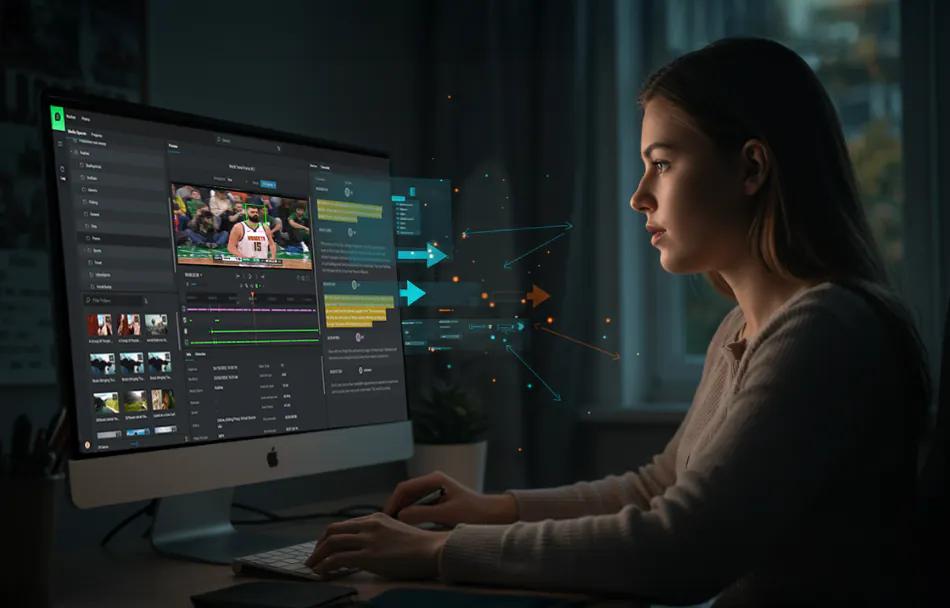
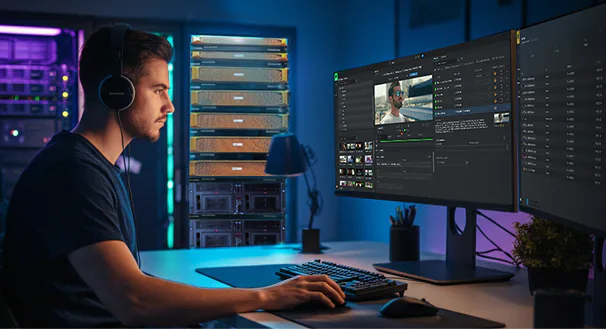
What makes Resolve 20 even better? Our FLOW Production asset management platform. The DaVinci Resolve® panel is built right into FLOW, letting you tap into shared storage for video teams without missing a beat. Jump into projects, manage assets, and collaborate, all while using FLOW’s powerful review, approval, and metadata tools.
Plus, you can run the Resolve project server directly on an EditShare EFS node for rock-solid performance and scalability in multi-user setups. For those chasing top-tier quality, our new EditShare Ultimate NVMe system delivers a jaw-dropping 24 GB/s, letting Resolve users tackle uncompressed 8K workflows without a hitch.
Whether you’re rocking EditShare’s high-performance video editing shared storage or building a remote team, this combo brings unmatched efficiency to collaborative video storage.