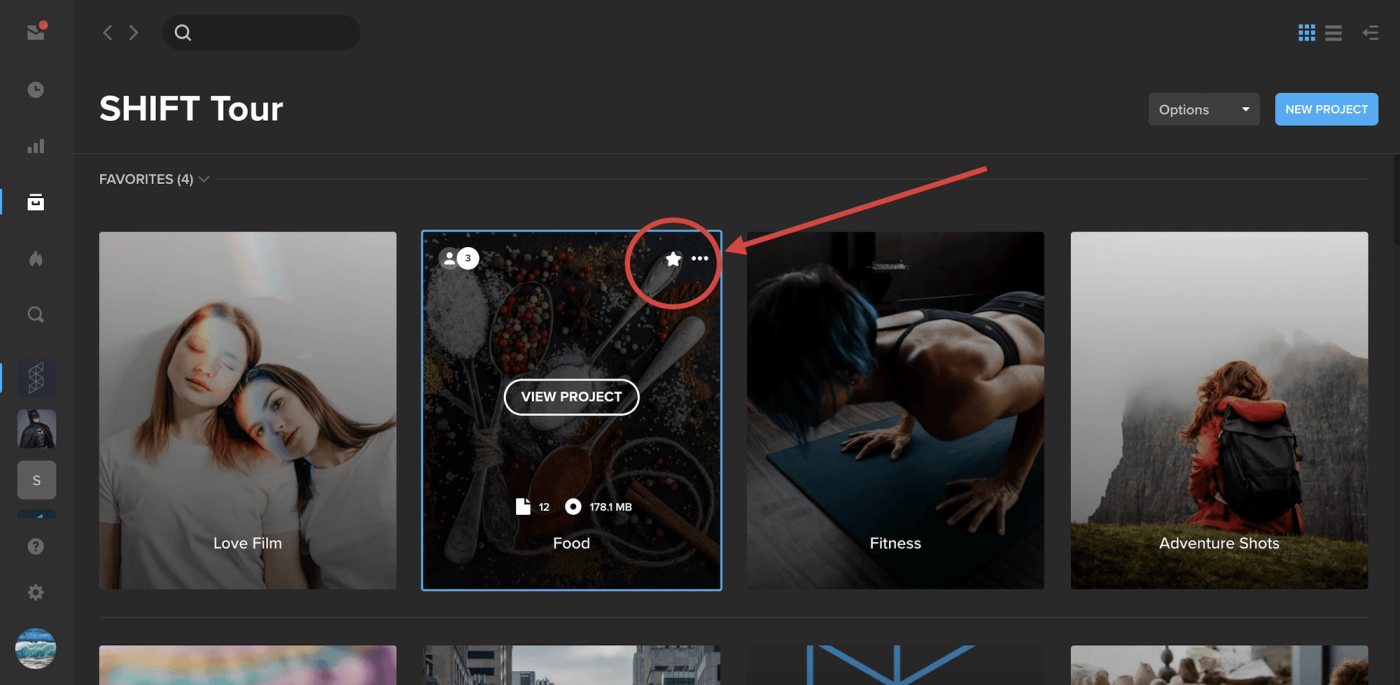
Pin your most important projects to the top of the screen by selecting them as Favorites. Simply hover over a project tile and click the star icon. This will anchor the project to the top of the page under a new section called “Favorites.” To remove a project from your Favorites, simply click the star icon again. Note: Project Favorites only apply to your account and not to other members on your workspace.