For media teams managing massive files, tight deadlines, and fast-paced collaborative workflows, generic file servers just don’t cut it. What you need is shared video storage designed specifically for video production and post workflows .
In this article, we’ll explore how media-optimized storage differs from standard IT storage, and why making the switch can be a game-changer for creative teams.
The Key Differences Between Generic and Media-Optimized Storage
1. Bandwidth Over IOPS: Why Consistent Throughput Matters
Generic Storage: IT systems like databases and email servers are built for high IOPS (Input Output Operations Per Second). That’s fine for tiny, frequent operations like processing emails or database requests, but it fails under the sustained demands of high-bitrate video playback.
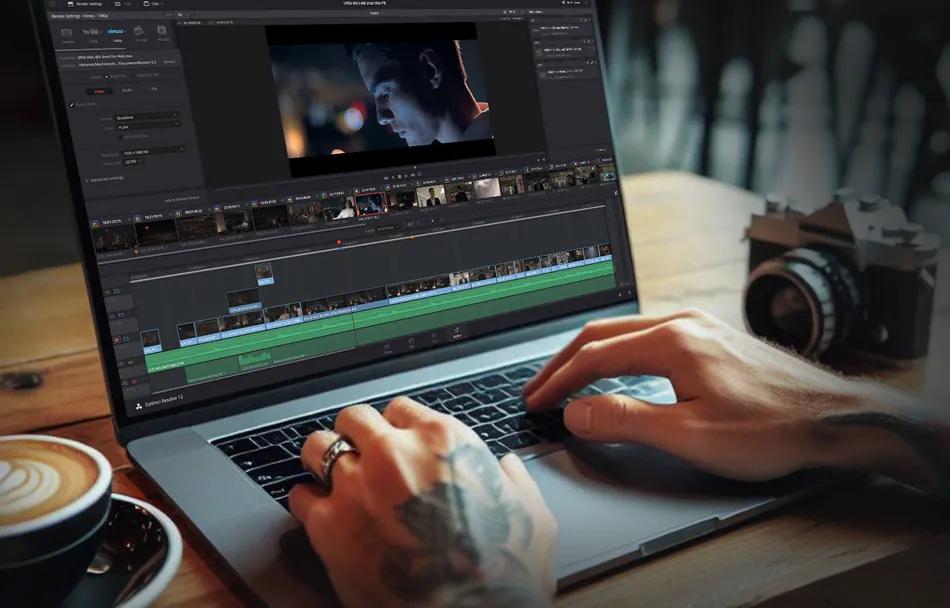
Media Storage: Shared video storage is optimized for high-bandwidth, low-latency transfers. It ensures reliable performance even during multi-stream 4K or 8K editing, no frame drops, no playback freezes, just uncomplicated real-time editing. This is essential for collaborative editing for Adobe Premiere Pro and DaVinci Resolve workflows.
Why it matters: Scrubbing through 8K RAW footage during a live client session? You need throughput, not IOPS. Media storage delivers performance you can count on.
2. File Management Tools That Actually Work for Video
Generic Storage: File services like Google Drive or Dropbox lack the intelligence to handle media workflows. Version control is clunky. Metadata is manual. Integrations with creative tools? Limited or nonexistent.
Media Storage: Media storage platforms include production asset management tools that allow smart versioning, automated metadata tagging , and seamless integration with NLEs like Adobe Premiere Pro, Avid, and DaVinci Resolve.
Why it matters: With advanced video review and approval software built into the workflow, your team stops wasting time searching for files and starts focusing on creativity.
3. Scaling Without Downtime or Drama
Generic IT Storage: Scaling often means downtime, migrations, and complex reconfigurations, aka production nightmares.
Media Storage: Media storage for remote post production teams scales. Add new nodes, expand bandwidth, or enable remote collaboration all without interrupting ongoing projects.
Why it matters: Need to onboard three new editors tomorrow? No problem. The system expands with you .
Signals That it’s Time to Upgrade Your Storage
Signal
How it Shows Up
Impact
Playback Stutters
4K & 8K timelines lag during collaborative edits
Kills creative flow and delays delivery
Version Control Issues
Files get overwritten, final versions get lost
Causes confusion and client frustration
Scaling Pains
Storage runs out mid-project
Leads to missed deadlines
Slow Remote Access
Freelancers can’t access or upload footage
Bottlenecks distributed teams
Admin Overload
Editors manually tag and sort media
Reduces creative productivity
A Day in the Life: Collaboration in Action
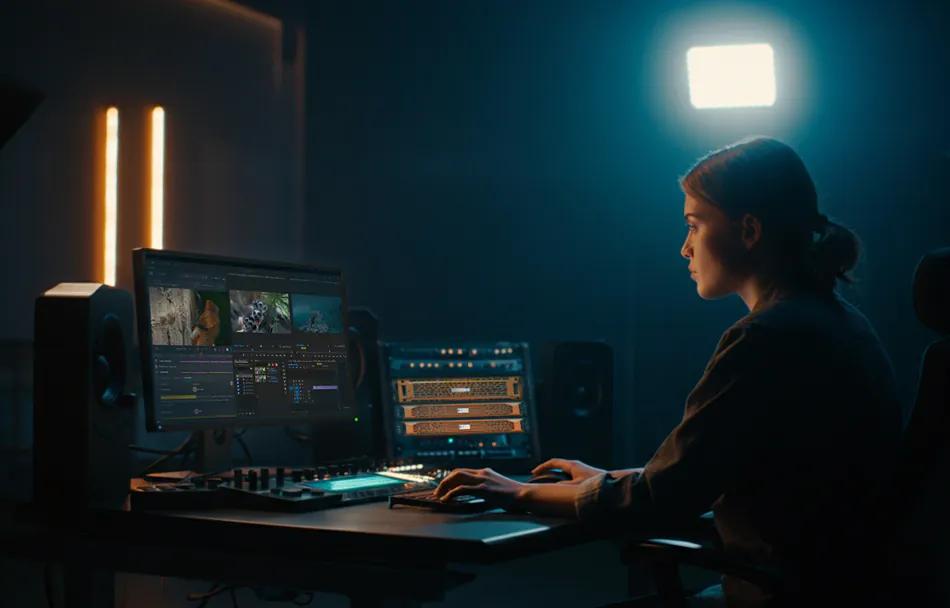
Picture this: You’re in post on a global ad campaign. An editor scrubs through 8K timelines smoothly. Your colorist joins remotely to adjust the grade. The client reviews and approves clips in real time using your video review and approval software. Meanwhile, a new storage node is added overnight without downtime. That’s what the best shared storage for video editing teams enables.
Delays in post-production workflows can cost thousands per day in idle talent, missed deadlines, and rework. Investing in shared video storage prevents bottlenecks, protects your schedule, and supports real-time collaboration for every team member no matter where they are.
Why Media Teams Deserve Better
Media professionals shouldn’t have to wrestle with tech built for spreadsheets and PDFs. You need:
- Shared video storage tailored to high-res workflows
- Production asset management that eliminates file chaos
- Video review and approval software that shortens feedback loops
- Scalable, intelligent media storage for remote post production teams
If you’re still relying on generic systems, you’re not just risking delays you’re leaving creative potential on the table.
Ready to Take Control of Your Media Workflow?
Don’t let outdated infrastructure hold you back. Download our latest in-depth whitepaper on media optimized shared storage and discover how to:
- Eliminate versioning chaos with production asset management
- Accelerate feedback with integrated video review and approval workflows
- Empower collaborative editing for Adobe Premiere Pro Resolve teams
Download the Whitepaper Now and get the insights your team needs to stay fast, focused, and future ready.
EditShare’s EFS , FLOW and Mediasilo solutions combine high-performance shared storage with powerful workflow tools, purpose built for post production.