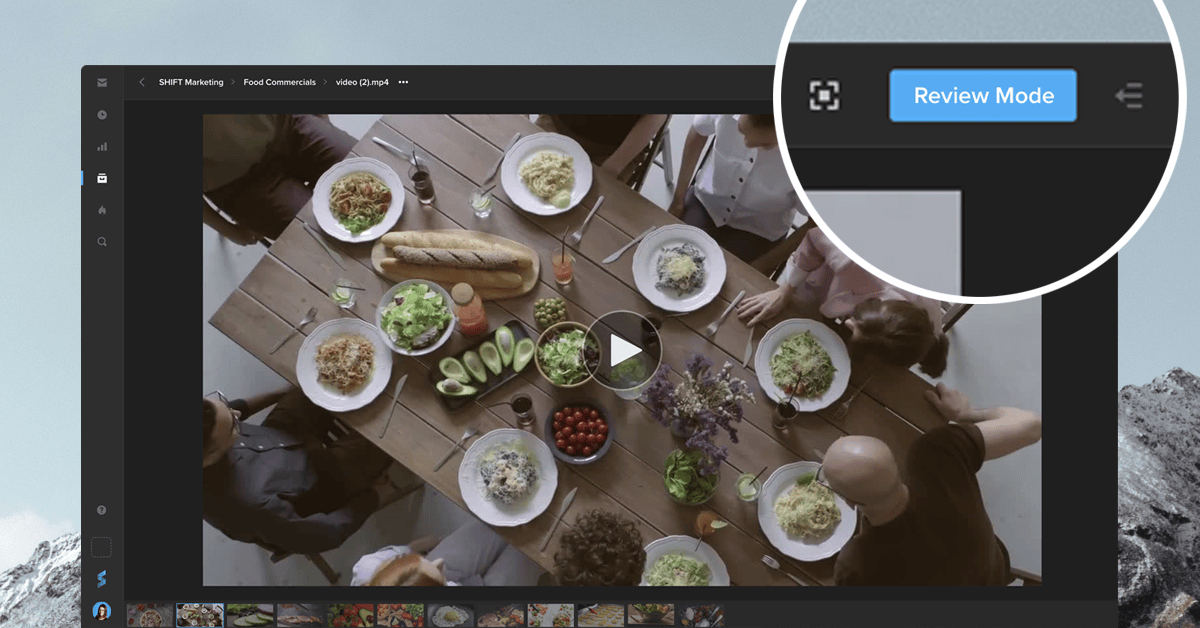
You can now leave comments on an asset directly from your Shift project. Simply go to the asset and click the “Review Mode” button to access your commenting and annotation tools. Your feedback will be visible to all collaborators with access to the asset. This mode also displays the comments made in review links, providing you with one centralized place to view all your feedback. If your workflow requires a private review session, where comments are only visible to the people with a link, you can still create a Review Link and turn on the toggle “Limit comments to this link.” Whether you need Review Link commenting or in-project commenting, our newest tools let you choose the best way to gather feedback on your content.