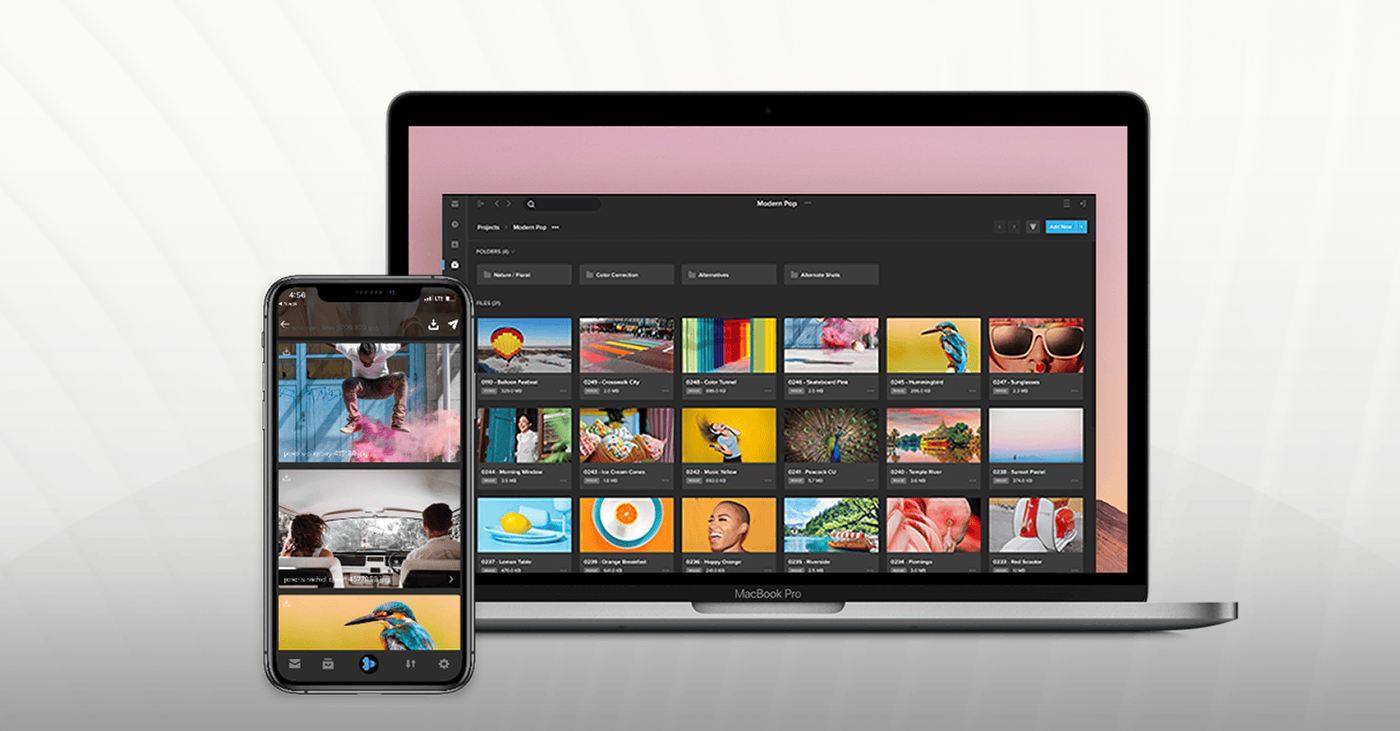
A single video can take a team’s best efforts — and many rounds of revisions — to get right. When you’re working with tight timelines, you need to send files quickly and keep track of real-time updates even when you’re not at your computer.
Introducing MediaSilo GO by Shift — the best of MediaSilo's Feed, Review and Approval, and Sharing packaged into a mobile app. Available for both iOS and Android , now you can share content and gather feedback right in the palm of your hand.
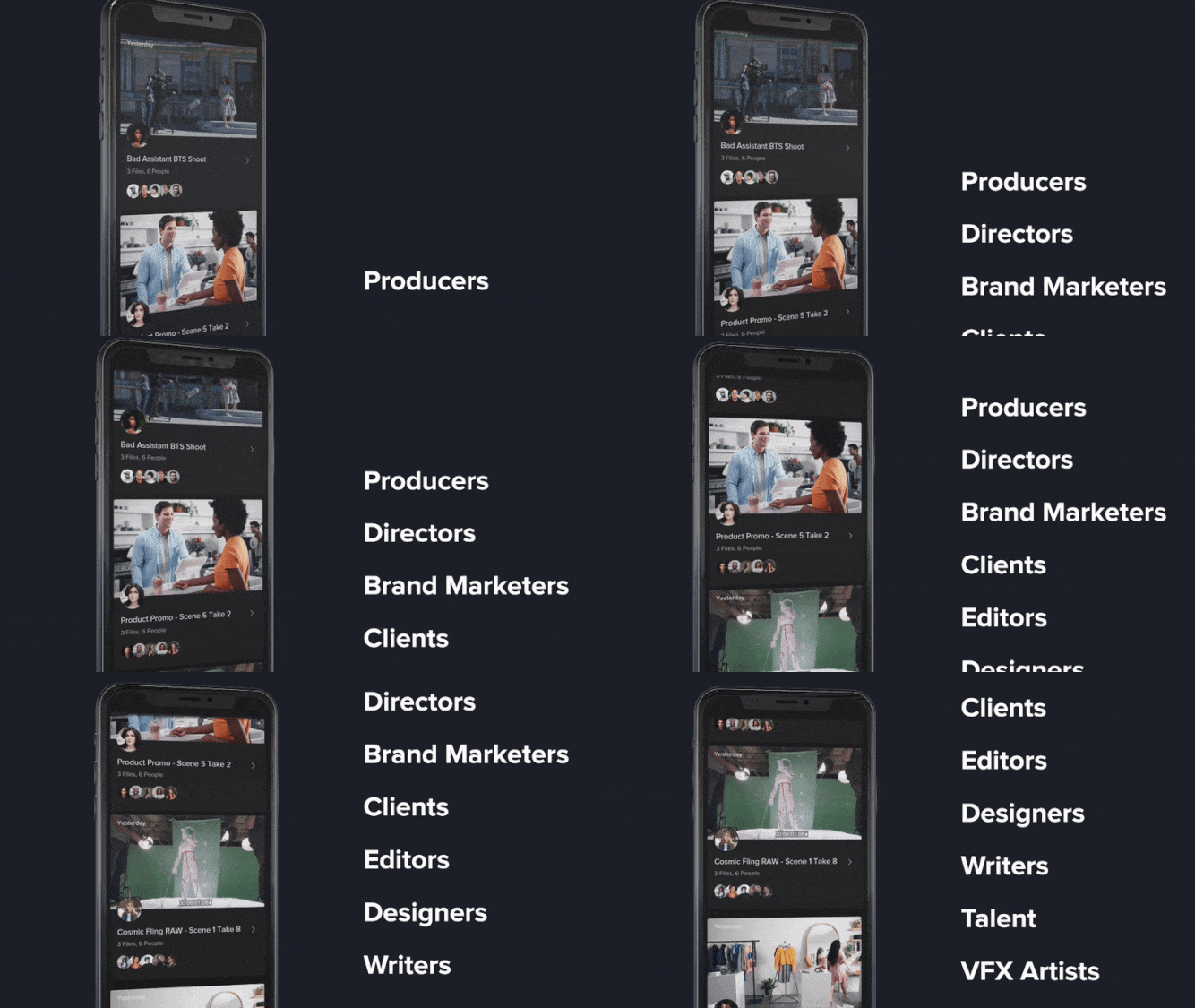
Keep Track of Updates with the Feed
Whether you’re a director who needs to review dailies on set, an editor checking input from your team, or an agency head giving his thumb’s-up on creative for a social campaign, your Feed always keeps you updated. Use the sidebar to filter down by workspace and sender to find exactly what you’re looking for, whether it’s media you’ve sent for review or a link that a colleague sent to you. Stay up-to-date on comments in the Feed with real-time notifications sent straight to your mobile device.
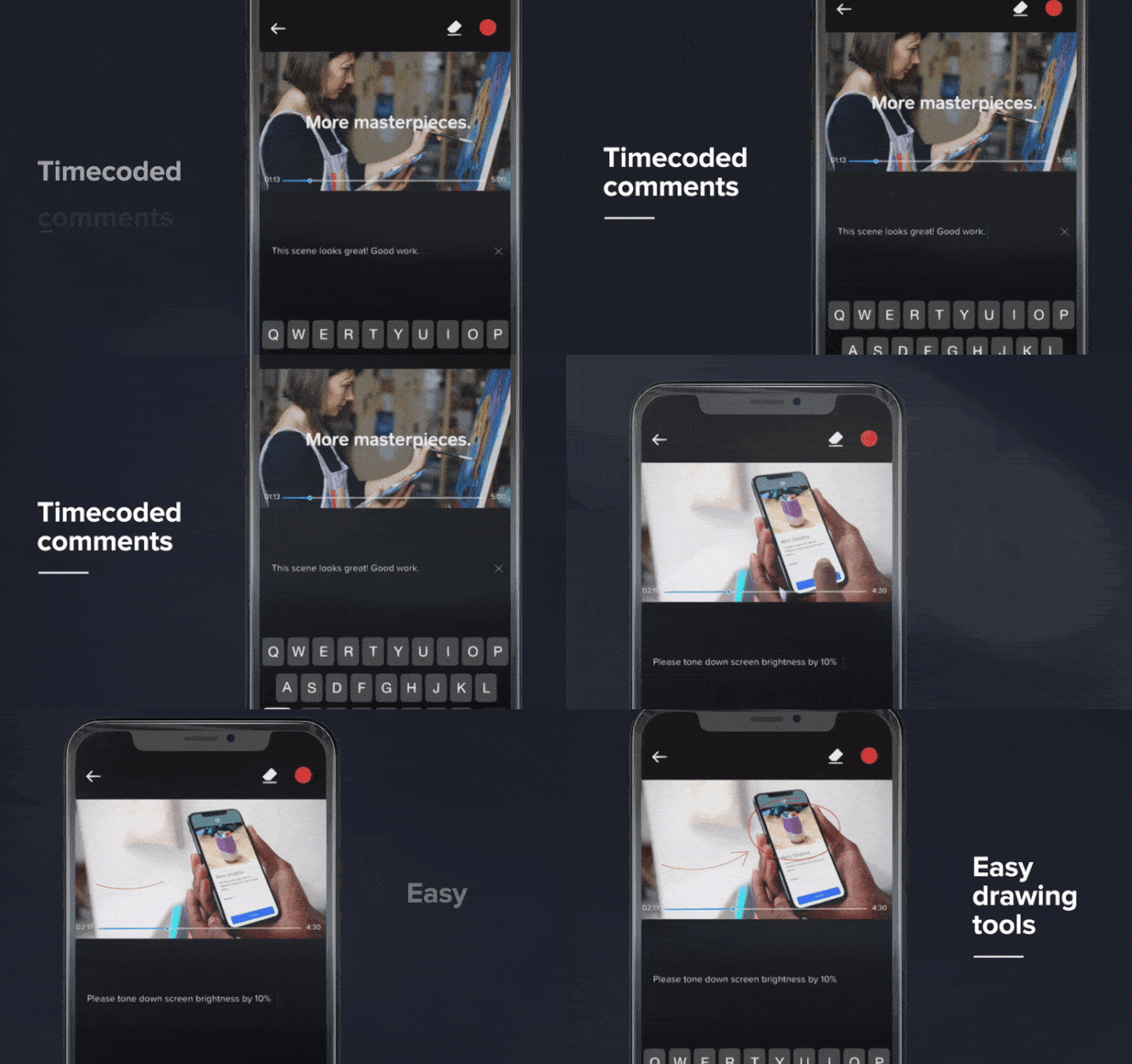
Leave Crystal-Clear Feedback
MediaSilo GO takes the guesswork out of feedback with visual, time-coded comments. Annotate scenes with easy drawing tools, cycle through past versions, and give approvals with a single touch. Everything you see on mobile also syncs automatically to the Shift web and desktop apps, so you can work from just about anywhere, anytime.
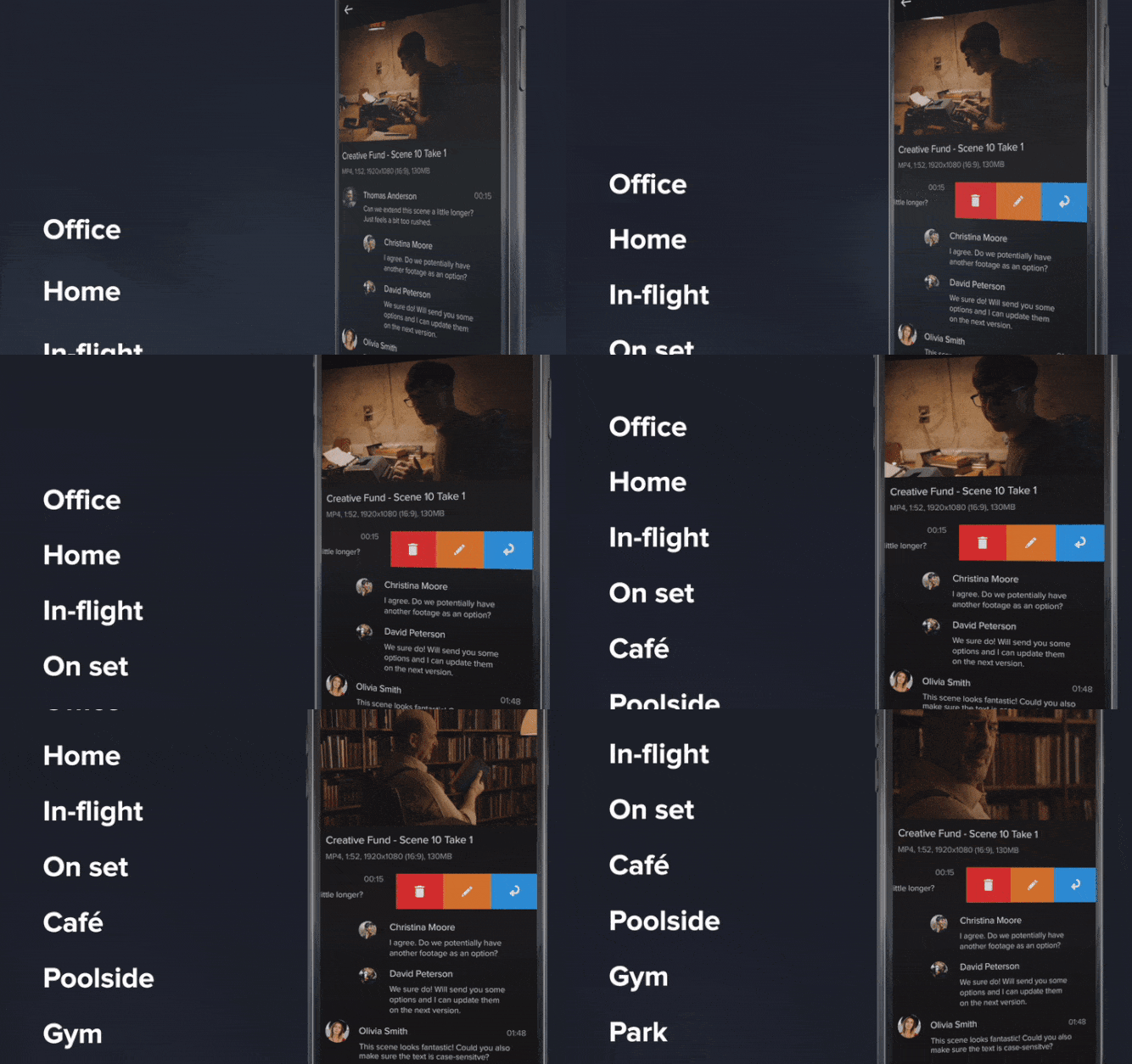
Upload, Browse, Share, and Download Content
It’s easy to use MediaSilo GO to work just like you would in the MediaSilo desktop app. Take a photo with your camera or upload existing files from your phone to seamlessly add new assets to your MediaSilo account. Browse your projects, or download files to view them offline. Select assets to send as Review Links directly to your recipients, or copy and paste a custom URL for easy collaboration.
Download MediaSilo GO on the App Store or Google Play store and shift the way you work.