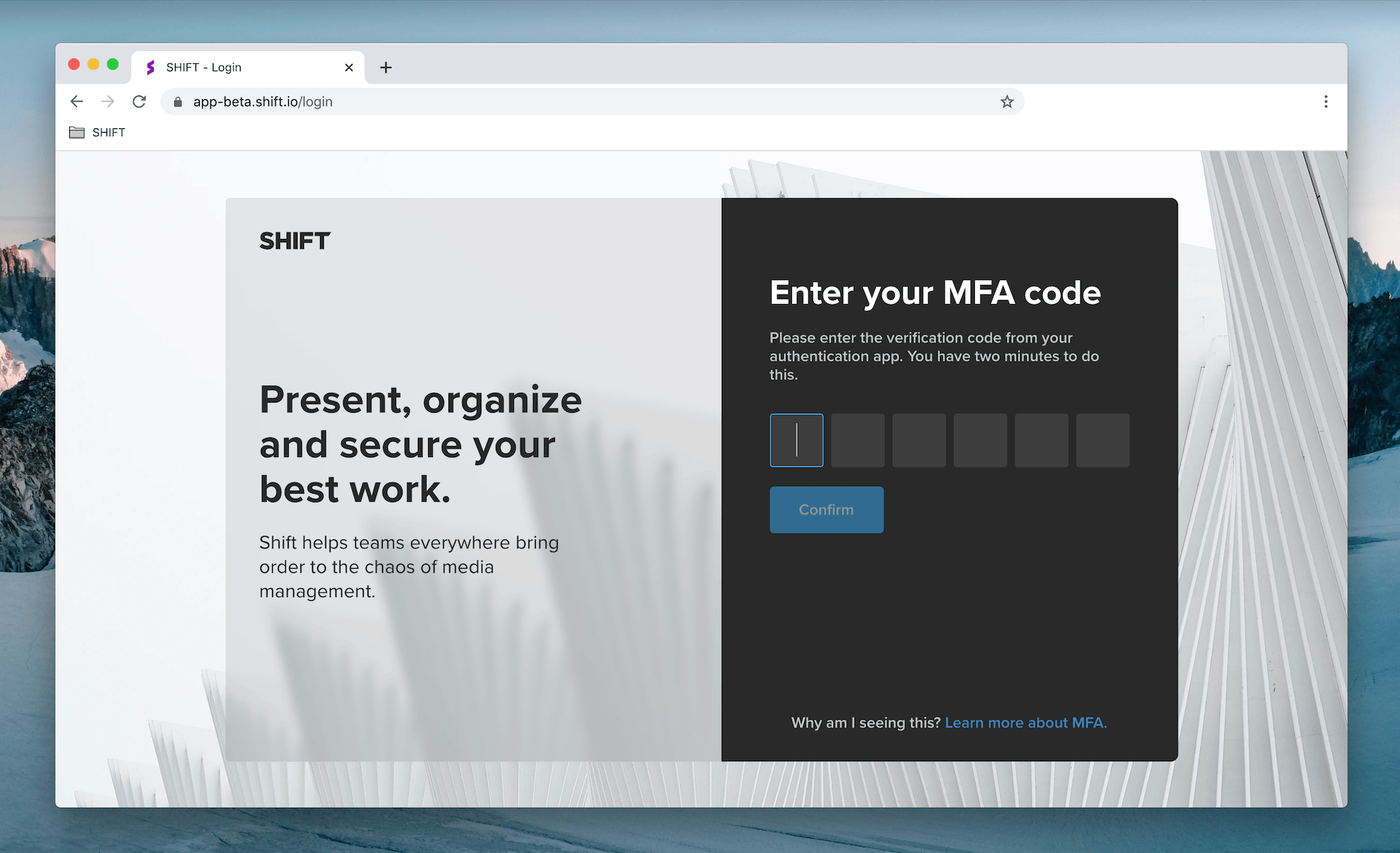
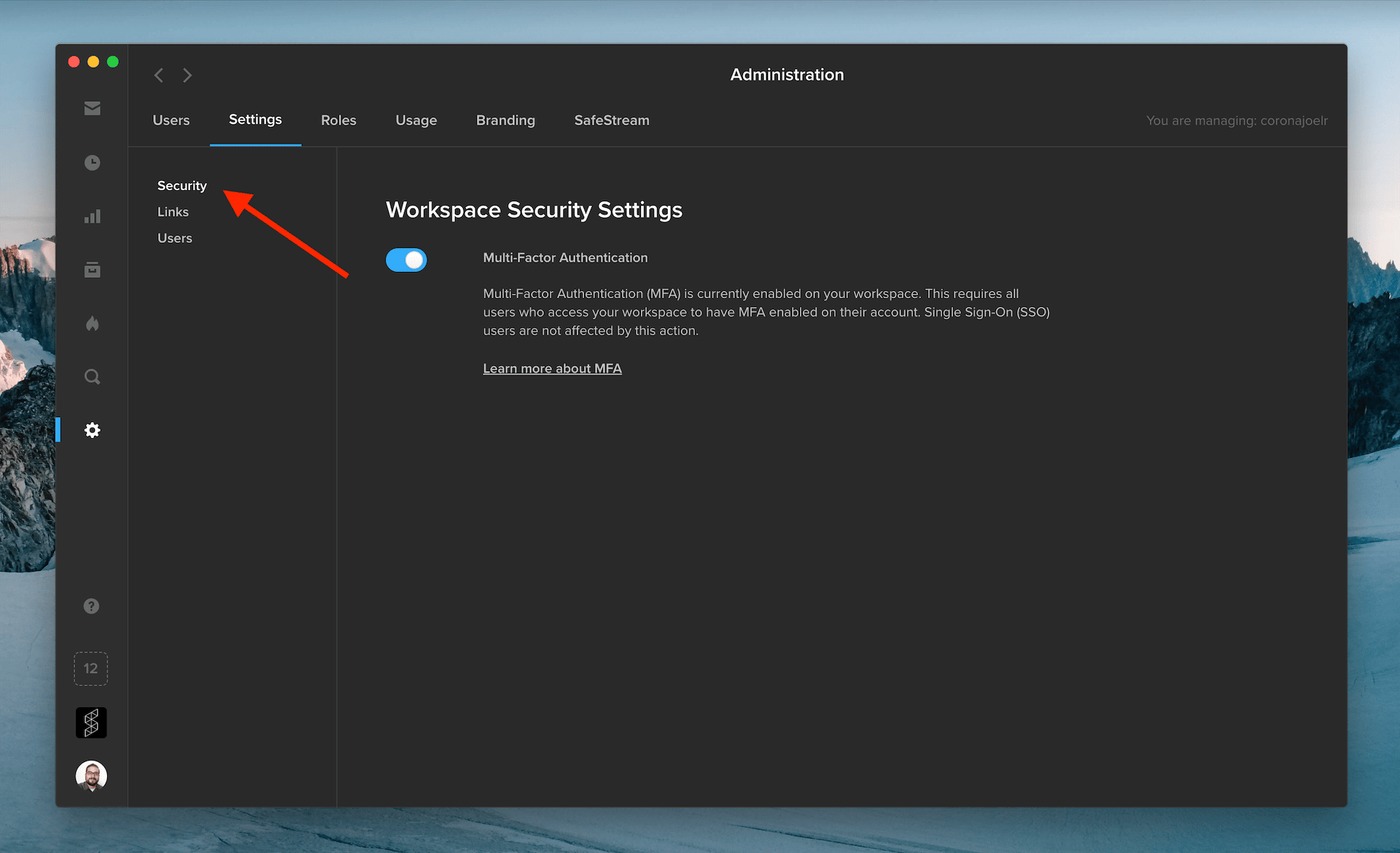
For added security, administrators can now require workspace users to log in using Multi-Factor Authentication (MFA). To set up MFA, users link their Shift account to their phone or tablet by installing an authentication app, such as Authy or Google Authenticator. When they log into Shift, they will be prompted to enter a six-digit code provided by the authentication app. As an administrator, you can enable MFA on your workspace by visiting the Security Settings tab in the Administration section.
Note: Shift uses the same MFA code as Screeners.com. If you already use MFA to access Screeners.com, Shift will use the same MFA code to log you in.