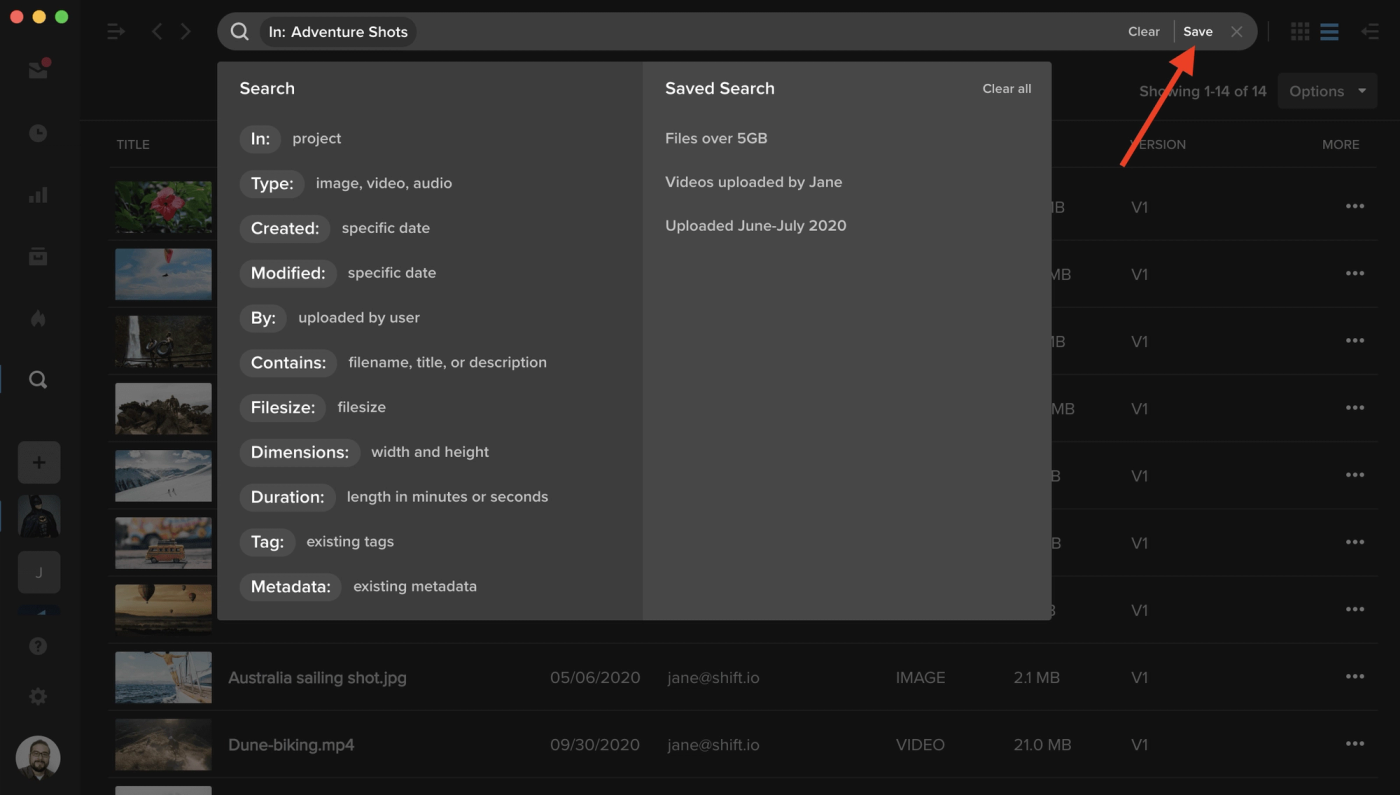
After you perform a search, you can now save the filters you used and reuse it at any time. Simply click the “Save” button on the right side of the search bar, and enter a name for your search. Whenever you access the search menu, your saved searches will appear in the right column. Note: Searches are saved on a user basis. A saved search is only available to the user who created it.