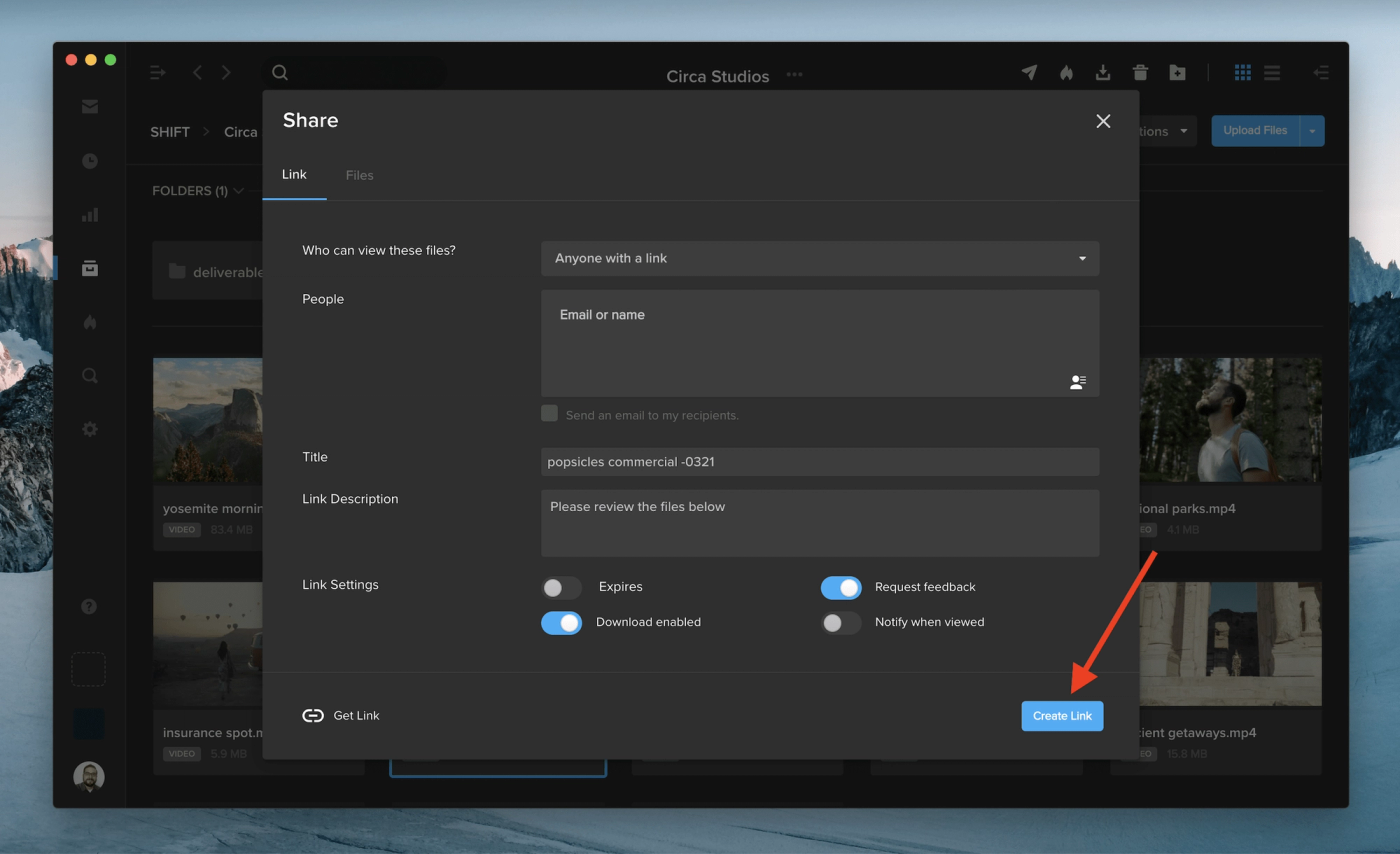
After you create a new Review Link or Spotlight Presentation link, the URL will automatically copy to your clipboard for instant sharing. See the feature in action by right-clicking on a file in one of your projects, selecting “Share,” and picking either of the two options. Once you choose your link settings and click “Create Link,” the URL will be ready to paste elsewhere without any extra clicks.