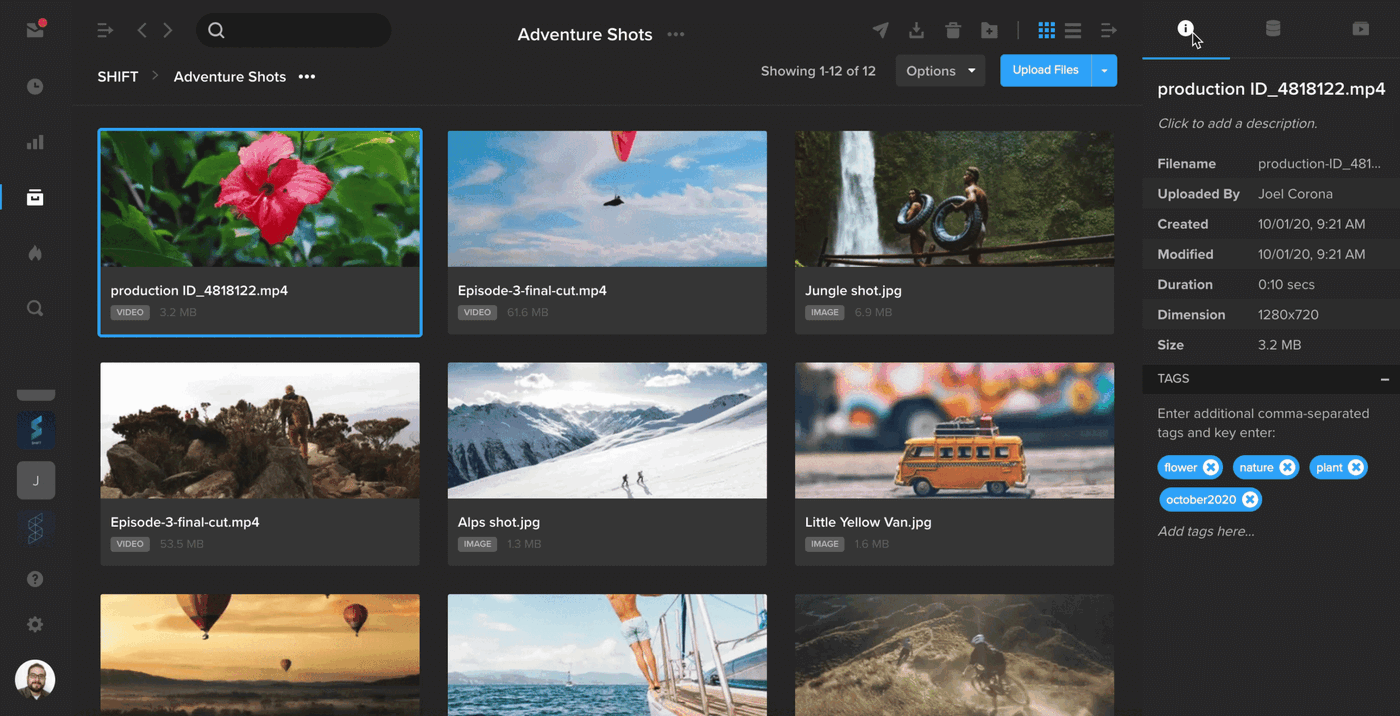
The right-hand drawer in Projects has been expanded to include a separate tab for metadata. When you have an asset selected, click the first tab to view your asset tags and basic information about your file, including file size, dimensions, and the date and time it was uploaded. Select the second tab to view all of your asset’s metadata, including the metadata that is automatically extracted when you upload a file. To enter custom metadata, click the blue “+” button and enter your metadata key and value.