
FLOW · Automate
Enhance your team's productivity with automated workflows
Power through repetitive tasks with the FLOW workflow orchestration engine, running hundreds of automation jobs simultaneously so your team can focus on the work that matters.
Workflow orchestration
Boost Productivity: Intelligent Workflow Automation
Order instead of chaos. An orchestration layer automates the repetitive work of media production: ingest, tagging, transcoding, and file delivery, all handled without manual effort. Without it, teams lose hours searching for files and untangling version mix-ups. FLOW Automation is built on a scalable microservices system, so it grows with your needs and your team stays on creative work.
Design your own workflows
Template-driven workflows you build on screen
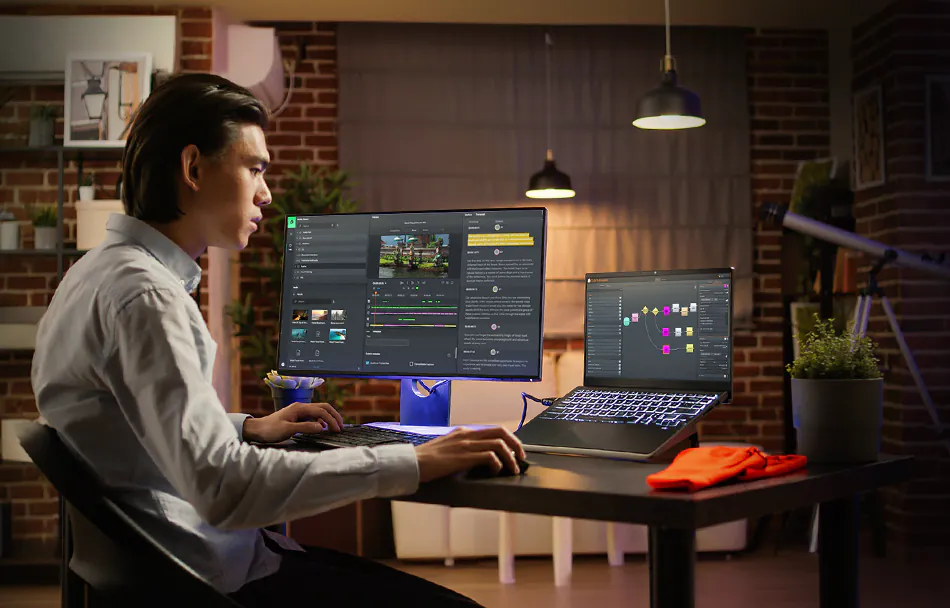
Complex automation in minutes. The FLOW Automation workflow designer builds simple or complex templates from Triggers, Inputs, Tasks, and Filters. Templates are assembled graphically in a node-based application styled like a process flowchart: drag a node from the palette menu and start building. Maximize your infrastructure by running hundreds of automation jobs at once.
Pre-designed tasks
Take Advantage of Pre-Designed Tasks
Define tasks once for QC, scanning, transcoding, file movement, and duplication, then drop them into any workflow. Media is analyzed, converted, and delivered to the right destination every time.
Cloud delivery
Send clips, sequences, and full packages direct to cloud providers.
Playout delivery
Transcode finished sequences and deliver them to playout vendors.
QC orchestration
Trigger the next step automatically with Interra Baton and Vidcheck integration.
Storage tiering
Move media between EFS tiers, for example production to nearline.
Accelerated transfer
Manage the transfer of mass media with accelerated file transfer.
Copy and move
Copy or move files from one folder to another on a set schedule.
Transcode and save
Convert media to a specified format and write it to a specified location.
Controlled delete
Remove media, metadata, or archives with complete peace of mind.
Metadata export
Export clip metadata to XML formats for downstream systems.
Project updates
Add or remove clips from FLOW Projects without touching the interface.
Media Space scans
Quick, normal, or full scans with optional auto-delete and proxy generation.
Email notifications
Confirm an automation job is complete the moment it finishes.

How and when a workflow begins
Triggers
How and when a workflow begins. Triggers remove manual intervention from the production process. Schedule a workflow, react to an event, or watch a folder, and jobs keep flowing without anyone chasing them.
Scheduled starts on specific days or times, either one-time or recurring.
Event driven reacting to metadata changes and system events as they happen.
Watchfolders monitoring a location and picking up new content automatically.
Manual launch by authorized users straight from the FLOW Organize module.
550+ formats, from broadcast to 8K
Encoding
Built for demanding encode and delivery specs. FLOW supports over 550 formats, parameters, and wrappers, from standard broadcast to high-end cinema workflows at up to 8K resolution. Deliver DNxHR or ProRes 4444, or process formats like ARRI MXF, and the engine reads, transcodes, and delivers to your spec. Destinations include a specific EFS Media Space, an S3 compliant cloud archive bucket, or a broadcast or distribution platform.
Accuracy and compliance
QC
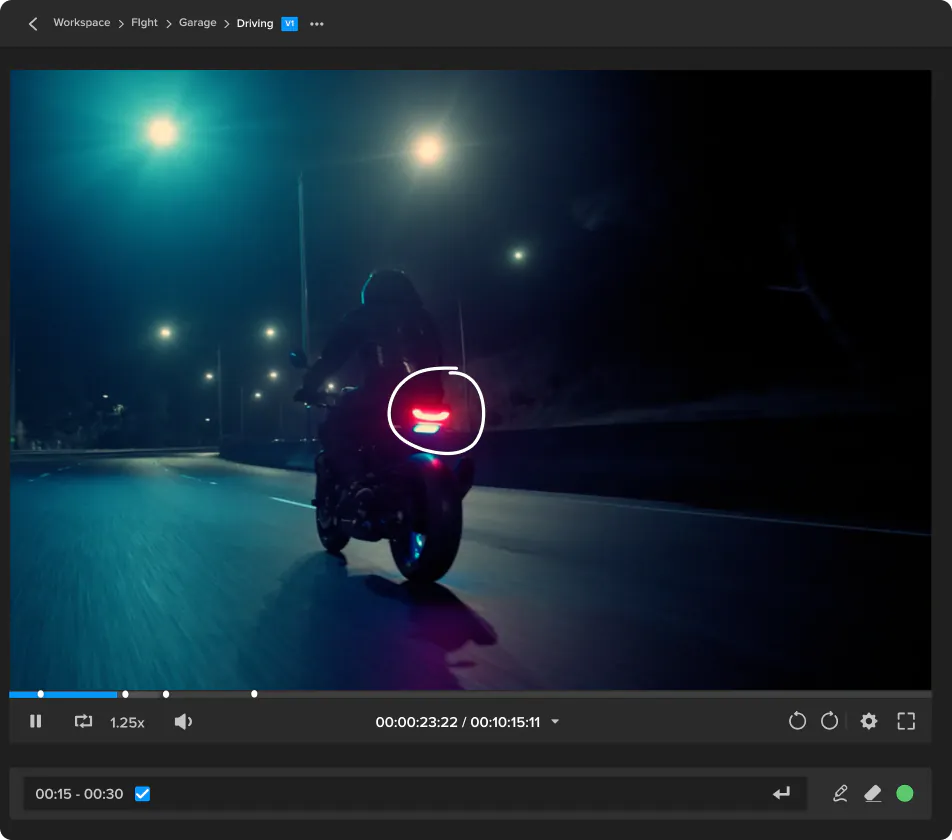
Quality control built into the workflow. FLOW connects with industry-leading QC engines including Interra Systems Baton QC, Telestream Vidchecker, and LWKS QScan Verify. Design the workflow, drop the QC engine in, and the system analyzes the media, flags issues, and returns results into FLOW for review, whether you are delivering an IMF package or an AS-11 compliant file.
On-premise AI, all-you-can-eat consumption
AI Automated Power
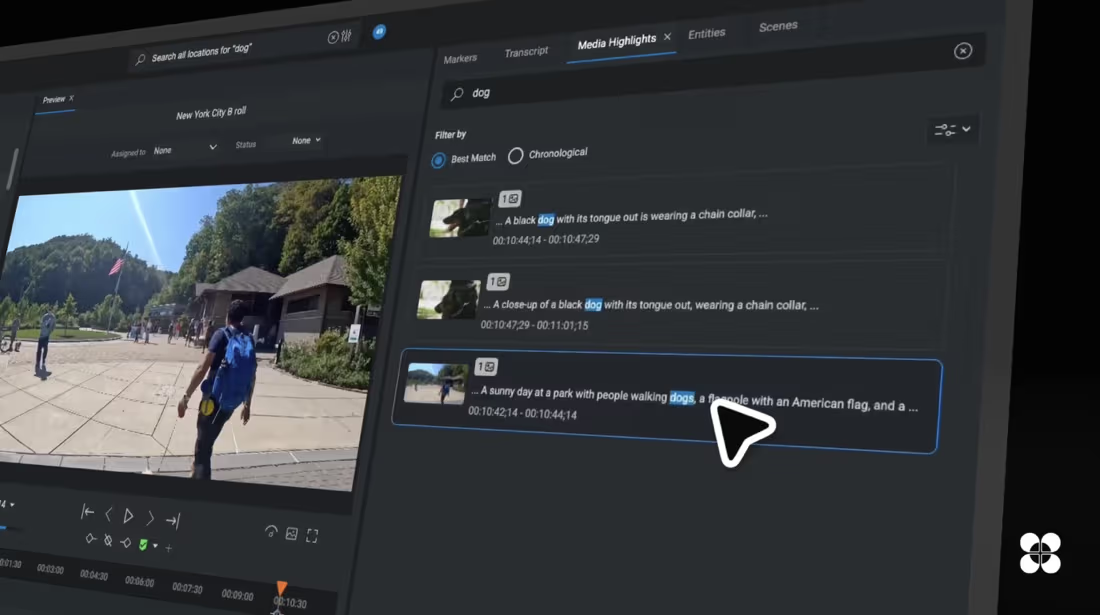
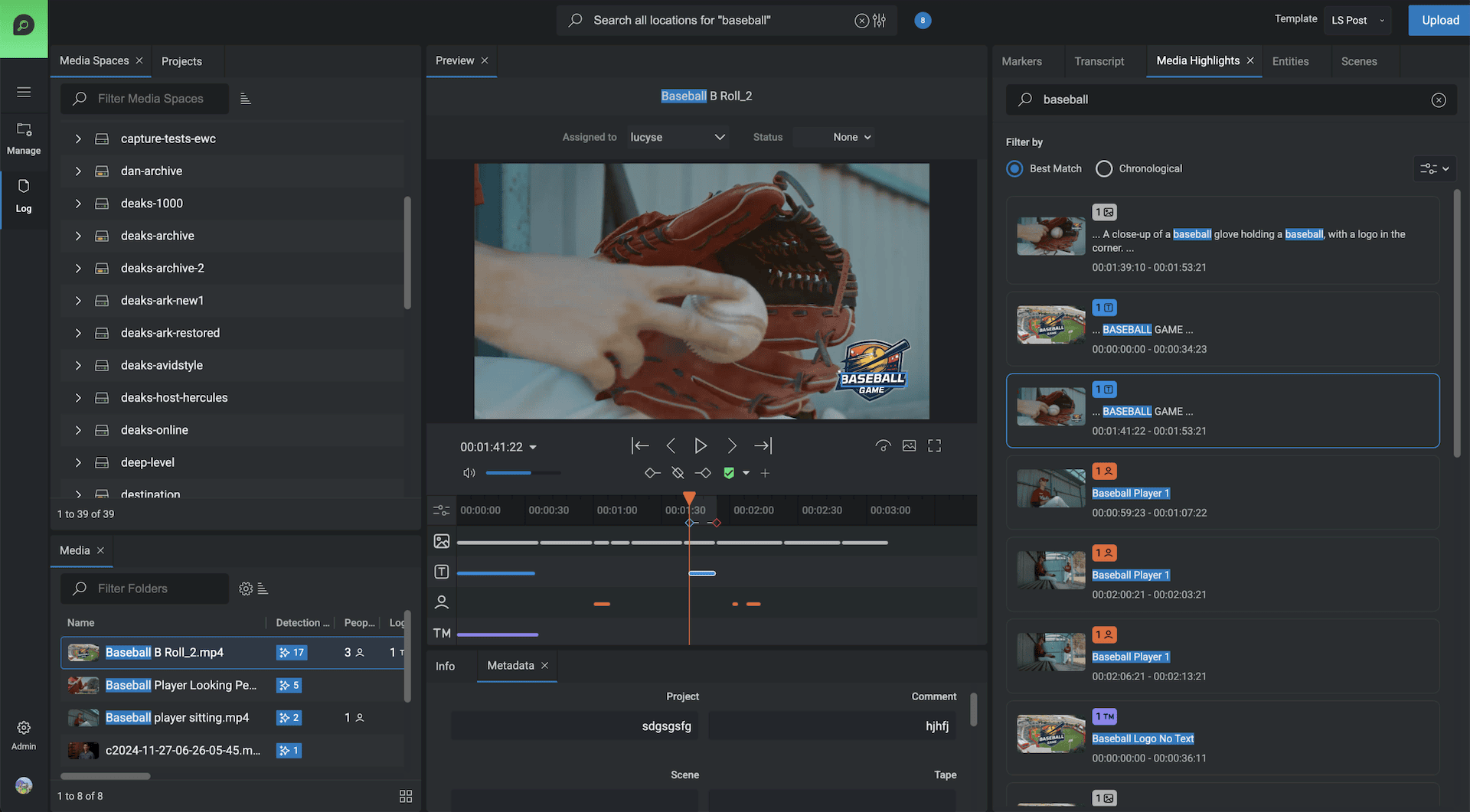
Metadata that writes itself. FLOW integrates with AI-powered analysis for object, scene, facial, and shot detection, plus speech-to-text transcription in multiple languages. Drop files into a folder and automation analyzes the content, extracts metadata, and makes it instantly searchable. Find people, objects, scenes, or a specific spoken phrase in seconds, with no manual tagging and no footage left behind.
Automation in action
Two workflows teams run every day.
Real examples of FLOW handling the process end to end.
Automated student submissions
A watchfolder captures submissions, copies files to a secure location, checks metadata, and confirms the work arrived on time and in the right format. Valid submissions move forward and the lecturer is notified. Late or incorrect files are flagged and redirected, so the rules apply to everyone without manual tracking.
Automated archive
FLOW moves finished material to EFS Nearline storage, freeing production space while keeping assets organized, and tells users where the files now live. Proxies stay instantly accessible and high-resolution media comes back with a simple right-click restore.
Real-time visibility
Monitor and Prioritize Jobs
Critical tasks always run first. FLOW Automation executes jobs by priority, and the Monitor View gives real-time visibility into all automation activity: scheduled, active, running, and completed jobs, successful or failed. Track progress, spot bottlenecks, and adjust priorities as the day changes.
Thousands of jobs as workloads grow
Scalable Architecture
Add worker nodes, add processing power. The FLOW Automation Engine scales dynamically. Transcoding, QC, and file movement keep running efficiently as demand rises, and FLOW Production Nodes offload intensive tasks so workflows stay fast and responsive across a few projects or a global operation.
Structure without the setup
Project Creation
Folders and FLOW projects, generated together. The FLOW Automation Engine's Project Creator generates structured folders in EFS Media Spaces and mirrors them into a FLOW project, with tagged FLOW IDs so every asset lands where the team expects it.
Streamline your media workflows with automation.
Explore how EditShare's automated workflows can save you time and boost efficiency.