
Unlimited user licenses. Company-wide collaboration with no seat restrictions, so everyone who needs FLOW has it.
FLOW · Core
Unlimited licensing, unlimited potential
Give your teams the power to tag, organize, and retrieve video content with ease.
Why FLOW Core
Find footage in a flash
Tag and organize video content to improve search and retrieval processes.
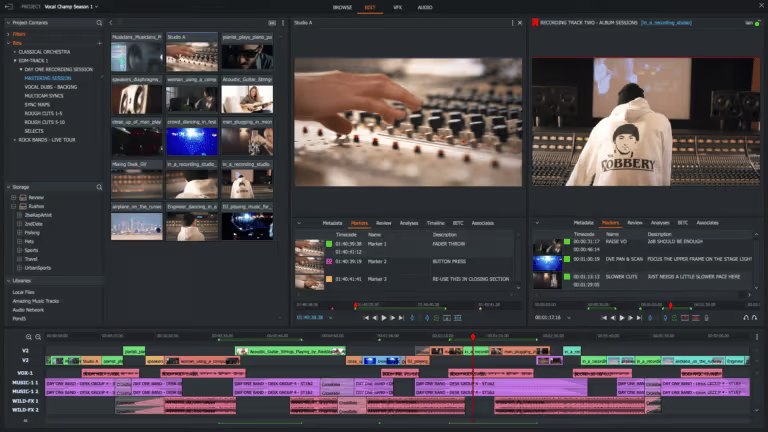
Rich metadata. Add keywords, markers, and custom fields so anyone can locate specific clips or moments in seconds.
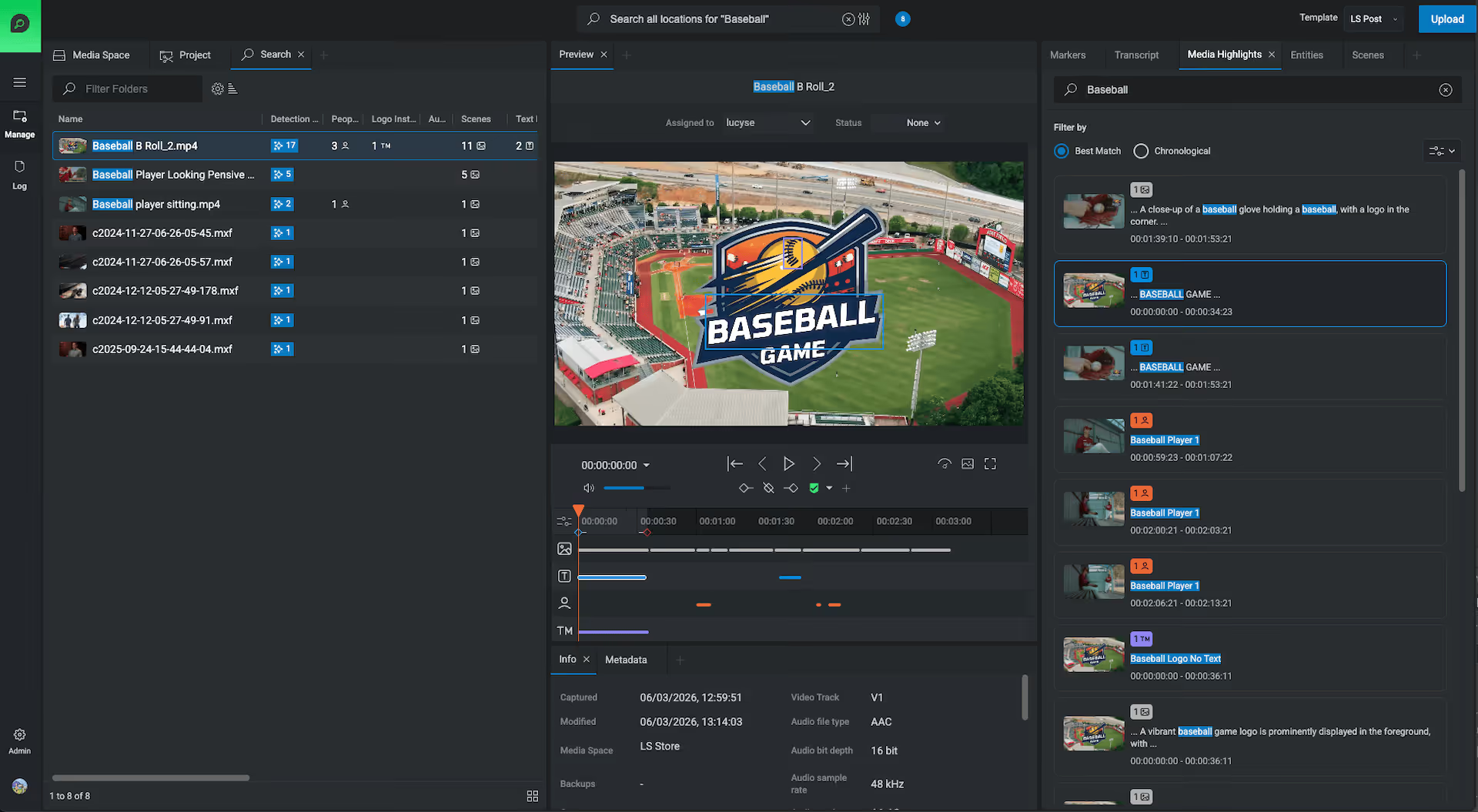
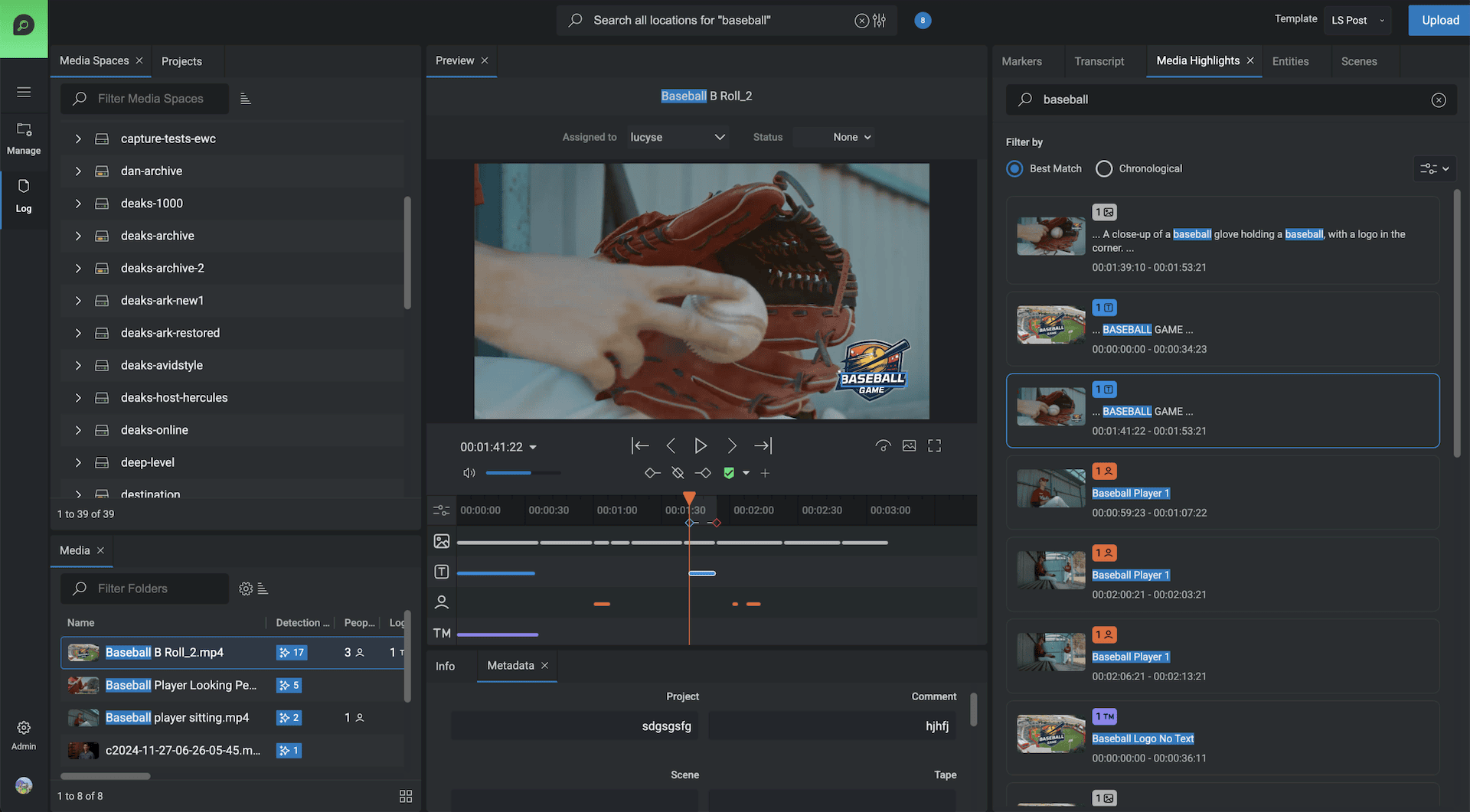
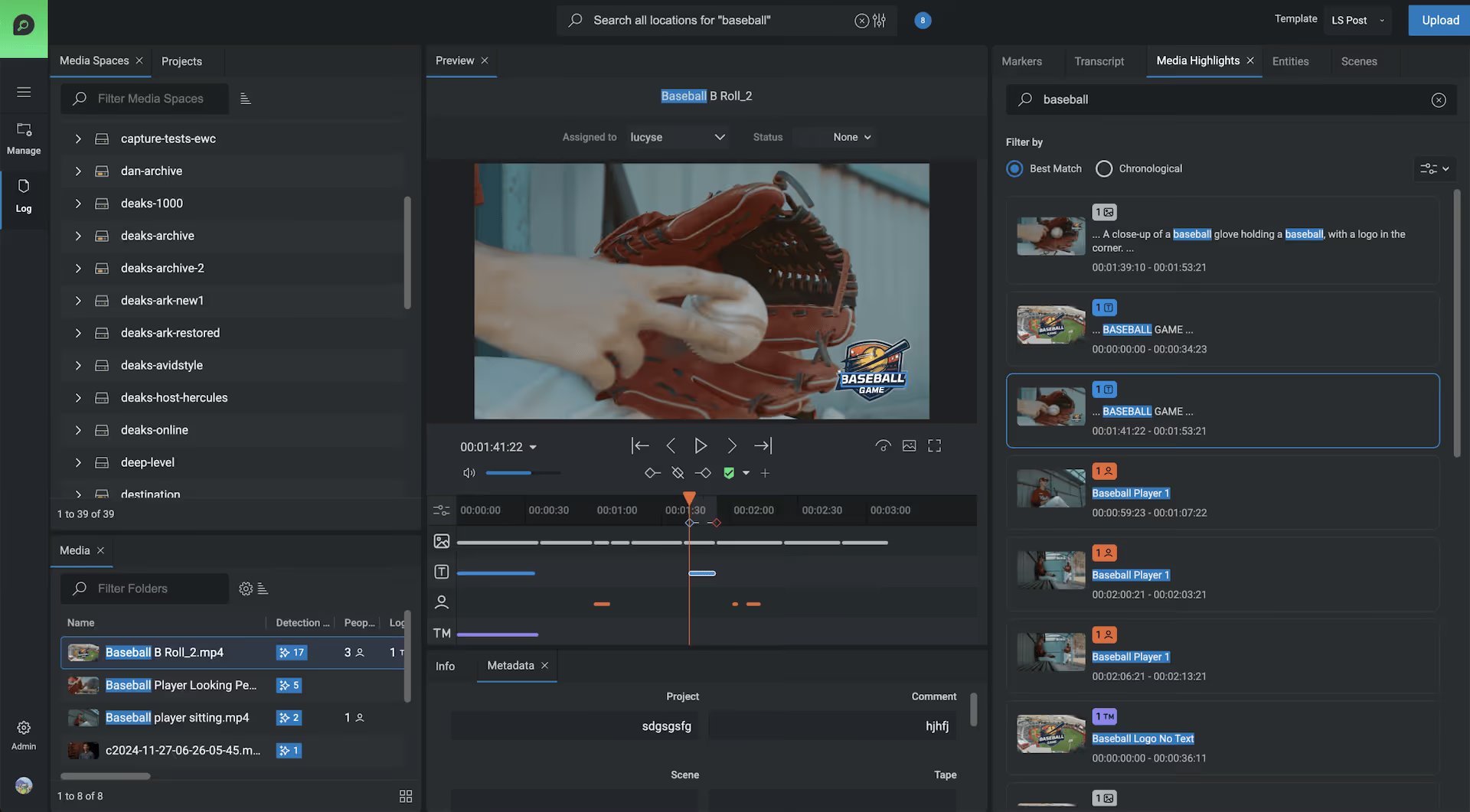
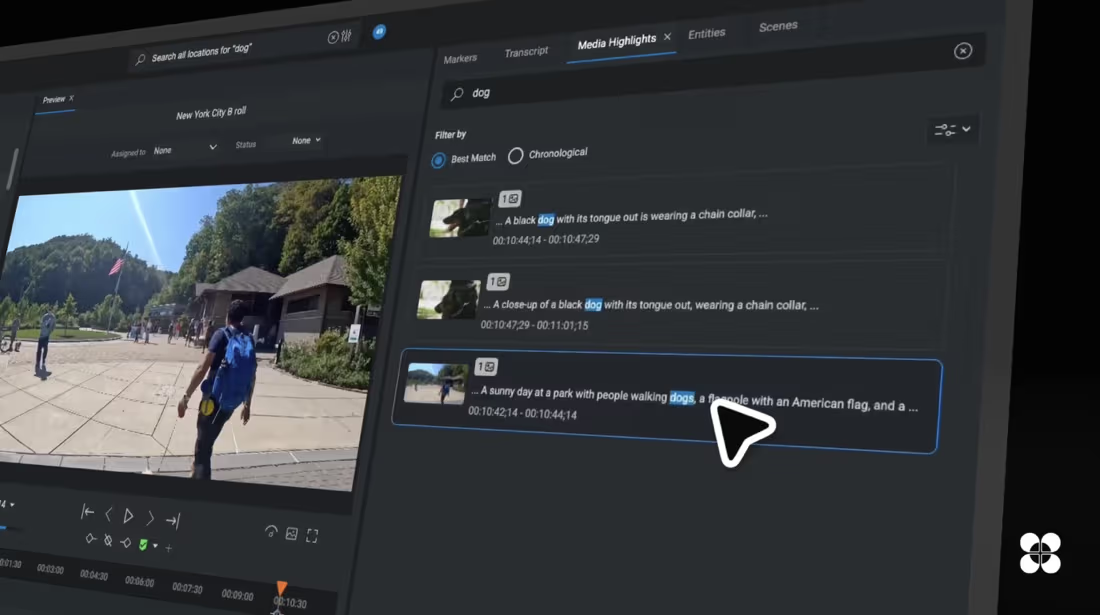
Search and find faster. AI-enhanced metadata and tagging surface the right asset the moment you need it.

Organize anywhere. Browse media spaces, projects, folders, and sequences so everyone can find what they need.
Multi-site management. Globally distributed teams work on the same media across locations.
Custom templates. Fully customizable metadata templates tailored to each individual project.
Unlimited potential
Unlimited user licenses, company-wide
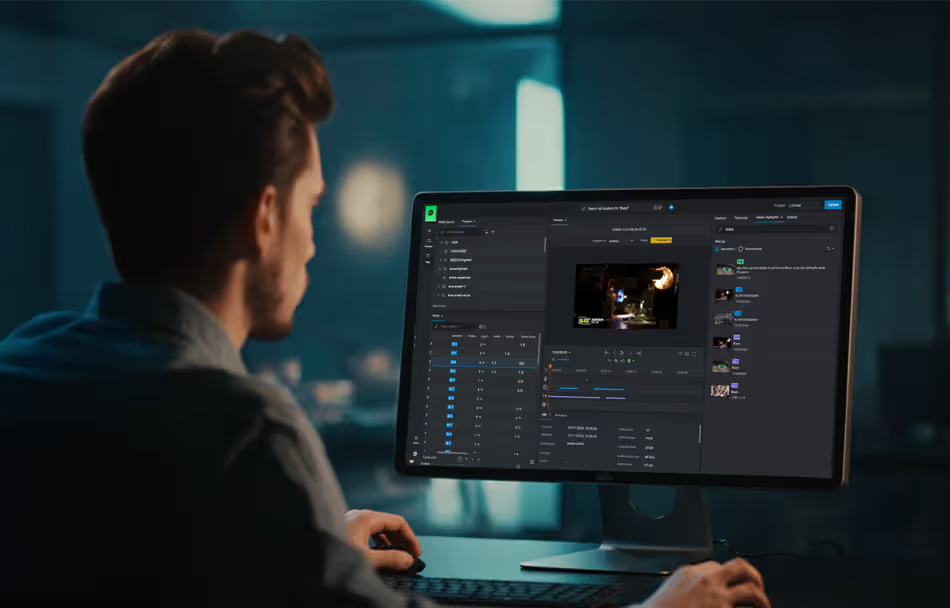
Add users as fast as the business grows. FLOW Core now includes unlimited user licensing, so collaboration is never limited by seat count. With the right FLOW Ultimate Production Nodes, the system scales at will. Browser-based access means no local installs: users launch FLOW Core modules directly from the Production Node, securely and instantly.
Log, search and organize
It's all about the metadata
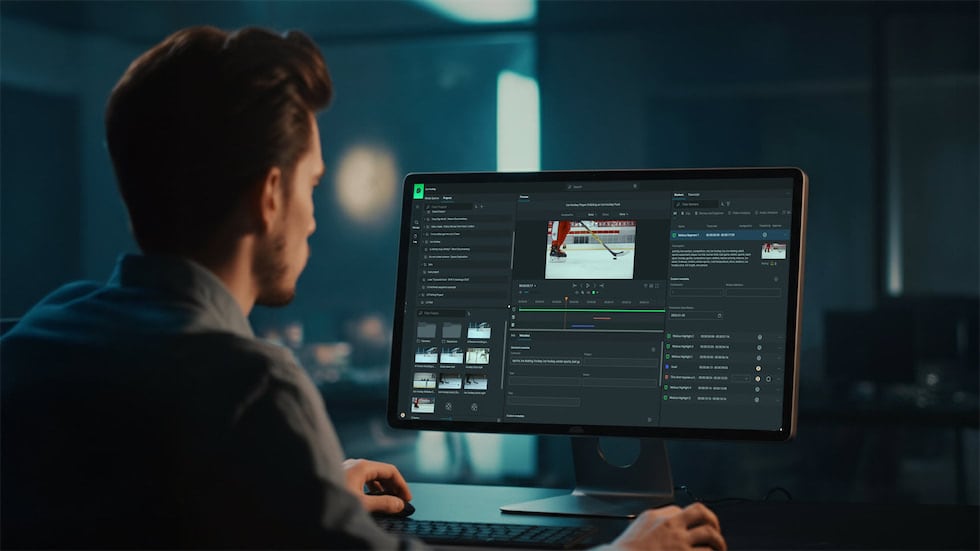
Metadata is the secret weapon of media production. Log detailed metadata once and those crucial clips stay findable forever, minimizing the time creatives spend hunting for the perfect shot. Every piece of media becomes discoverable, which makes the production process efficient and the archive genuinely useful.
Built for live action
Logging Content
single-click, as the action unfolds
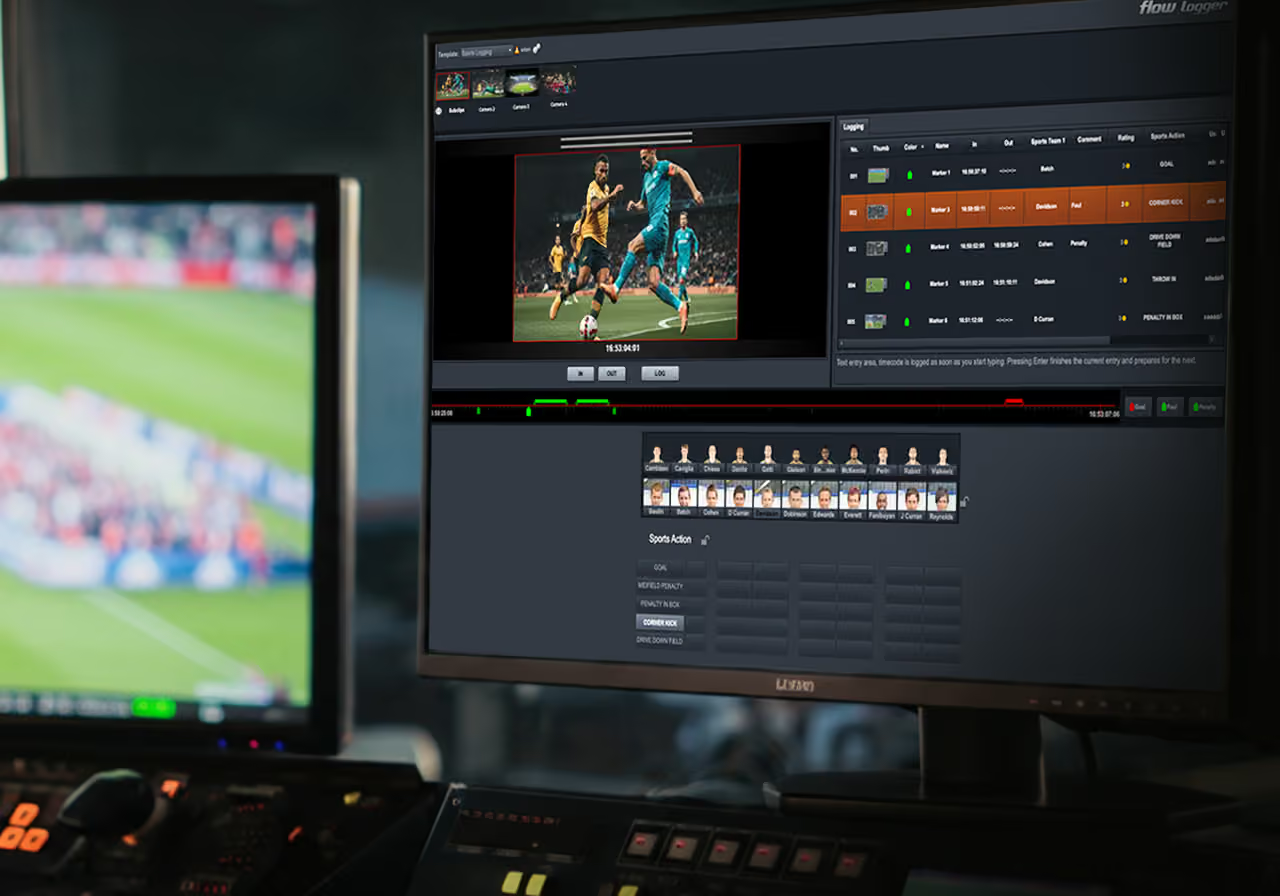
EditShare's logging module is designed for quick, single-click work on sports, reality shows, and documentary footage. Build templates with standardized categories, keywords, names, and pictures of key characters or players, then click the words and pictures that describe the action as it unfolds to produce a detailed log.
Create logs
Mark specific timecode entries as the action happens.
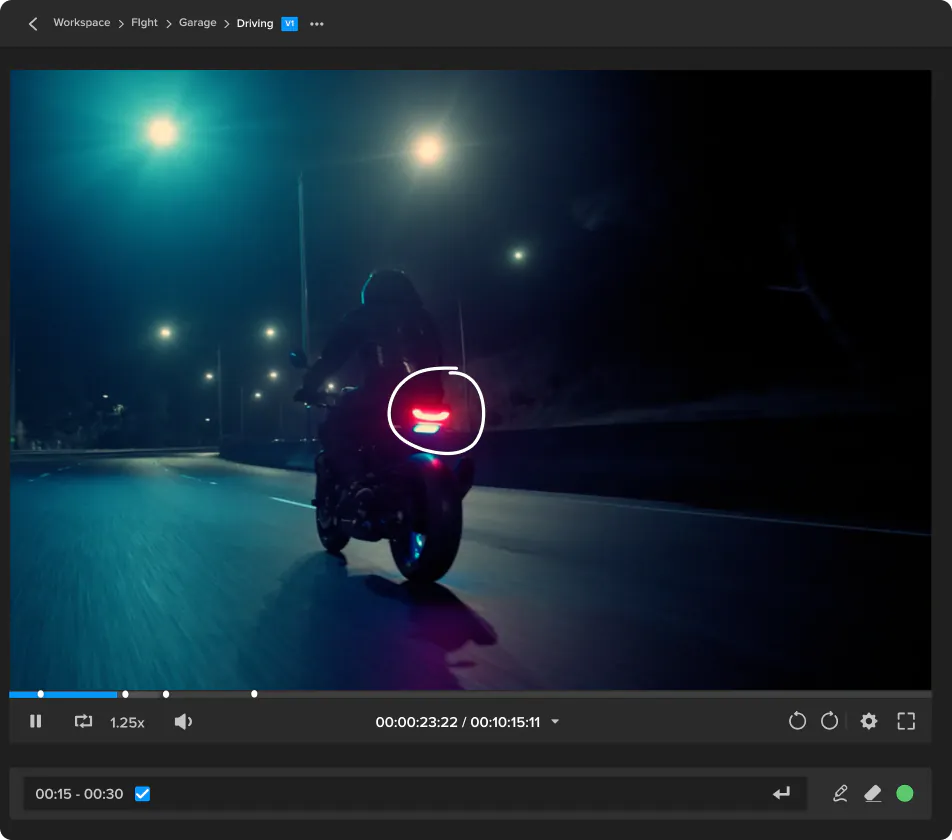
Range markers
Build detailed logging across a whole passage of play, not just a single frame.
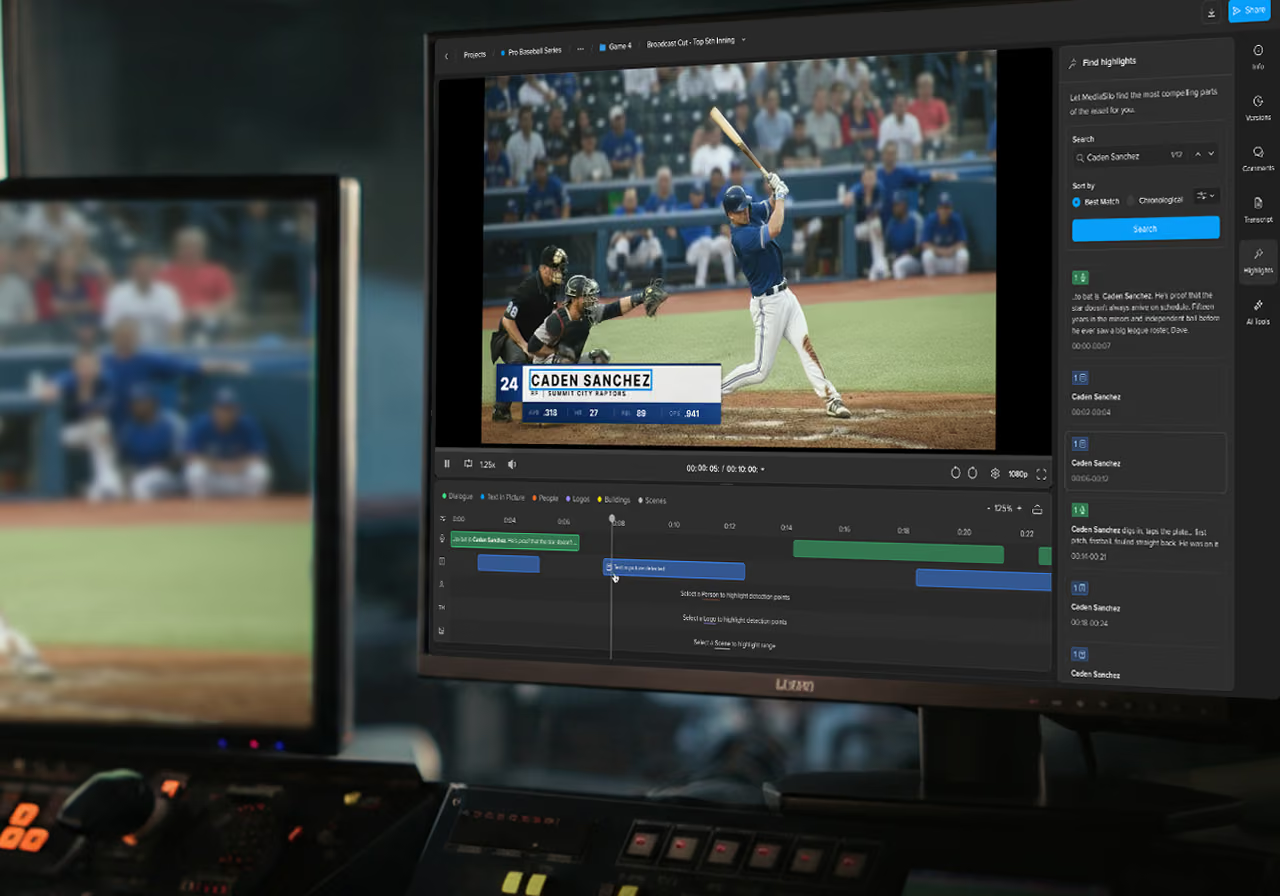
Single-tap log marks
Keep loggers ahead of live action instead of typing through it.
Predefined text fields
For markers, customized to the show you are covering.

Custom metadata and images
Stored against each entry for stress-free logging.

Multiple templates
Deployed for different events on the same workstation.
FLOW Logger
Configured for the show you are covering.
Logger adapts to the event rather than forcing every production into the same pattern.
Groups and categories
Administrators build predefined lists of players, actors, or objects, so a logger can capture more than one at once, such as both players involved in a soccer foul.
Templates per event
The same user or workstation can log different events through the day. Administrators build predefined templates for each one and switch between them.
Predefined metadata
Adding event metadata to the FLOW database simplifies cataloging and makes clips easy to filter, such as crashes in a motorsport event.
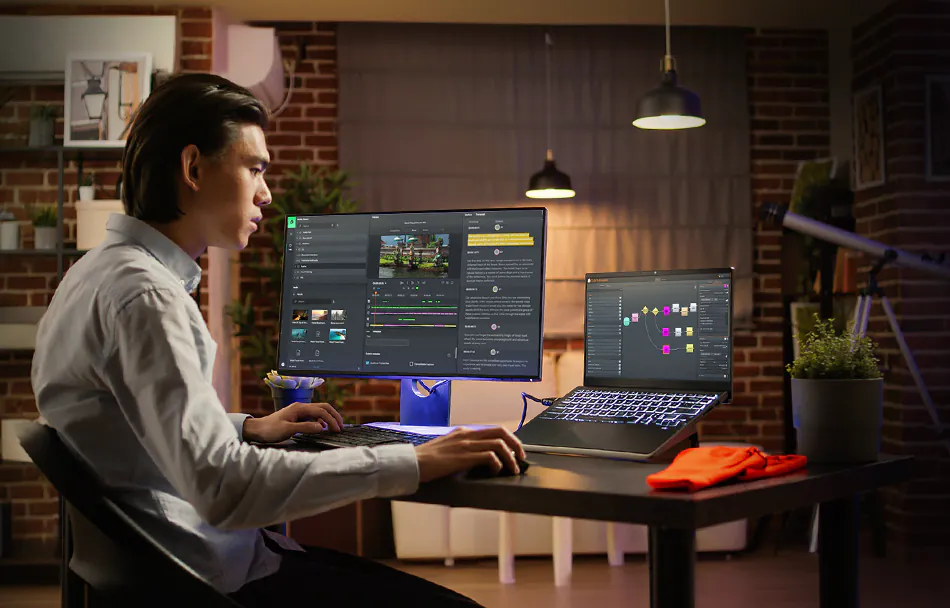
Live feeds or proxy files
Log live and log recorded, in the same tool
One click between the feed and the file. FLOW Logger is built for recording live event details, and it also loads and logs against pre-recorded clips. Because every FLOW tool shares the same database, metadata created in one app is visible in the others. Users switch between live feeds and existing files without any configuration change, so real-time and recorded events can be logged side by side.
Gang multi-camera metadata
Gang multiple feeds across multiple timelines
Link and unlink sources as the action moves. Reality shows and sports coverage move faster than a single camera can follow. In ganged mode, loggers selectively link and unlink the feeds they are logging by clicking the appropriate source in the preview window, so metadata lands on the right timeline every time.
FLOW Core datasheet
The full technical picture
Centralised media management, documented. Centralised media management that keeps projects searchable, structured and ready to move.
Unlock your media's potential.
See firsthand how EditShare can optimize your media workflows.