
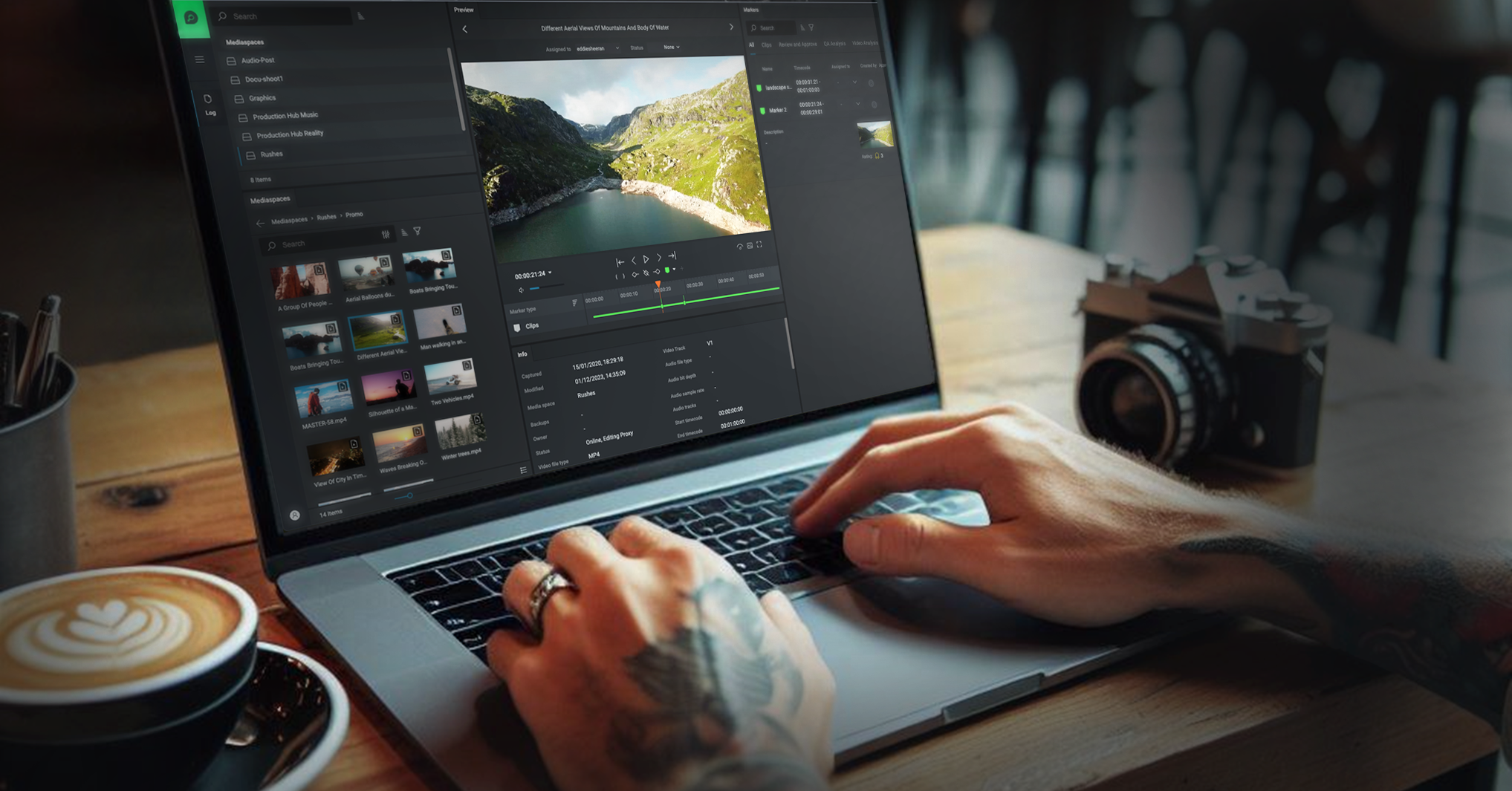
Web-based editing. Edit from any global location, with no client software to install.

FLOW · Edit + NLE Panels
Integrated edit and NLE panels
Browser-based editing from any global location, plus FLOW panels inside your favorite NLE, so every contributor can edit, comment, and approve without extra software.
How FLOW helps your team work better
Edit anywhere, finish in your NLE.
Browser-based editing from any global location, so non-technical contributors can cut, comment, and approve without installing a thing. Every change syncs to other FLOW users in real time, and integrated project locking keeps people working on the same sequence safely.
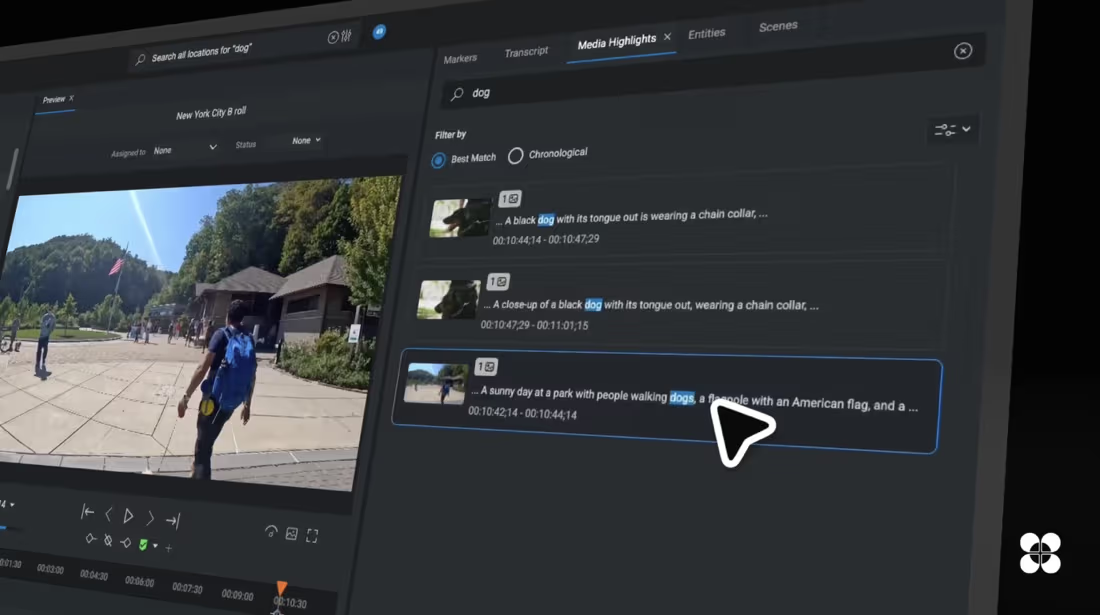
Sequences & rough cuts. Create projects, timeline edits, and rough cuts directly in the browser.
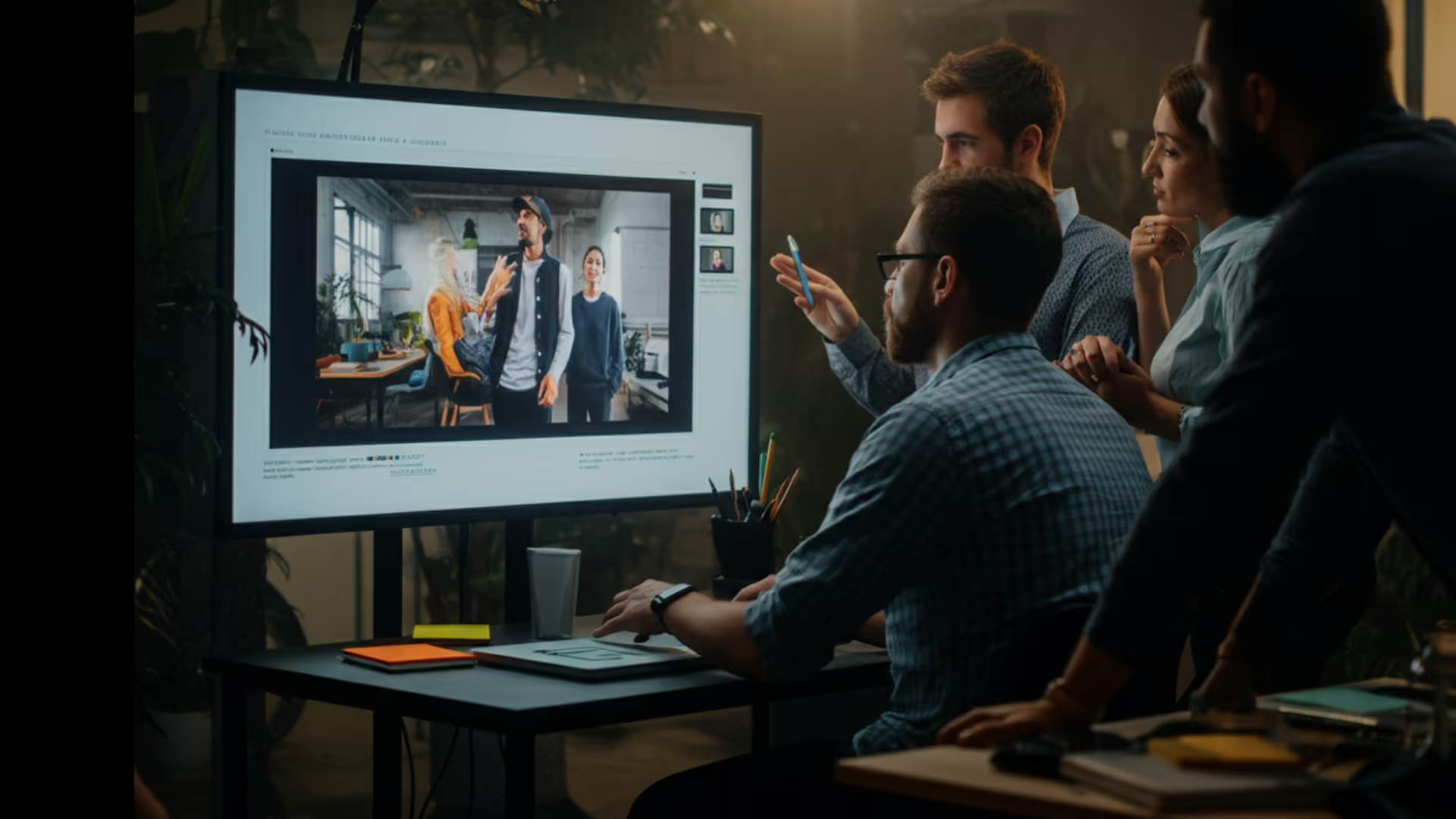
Comments & markers. Load custom metadata templates and add timeline comments and timecode-tagged markers.
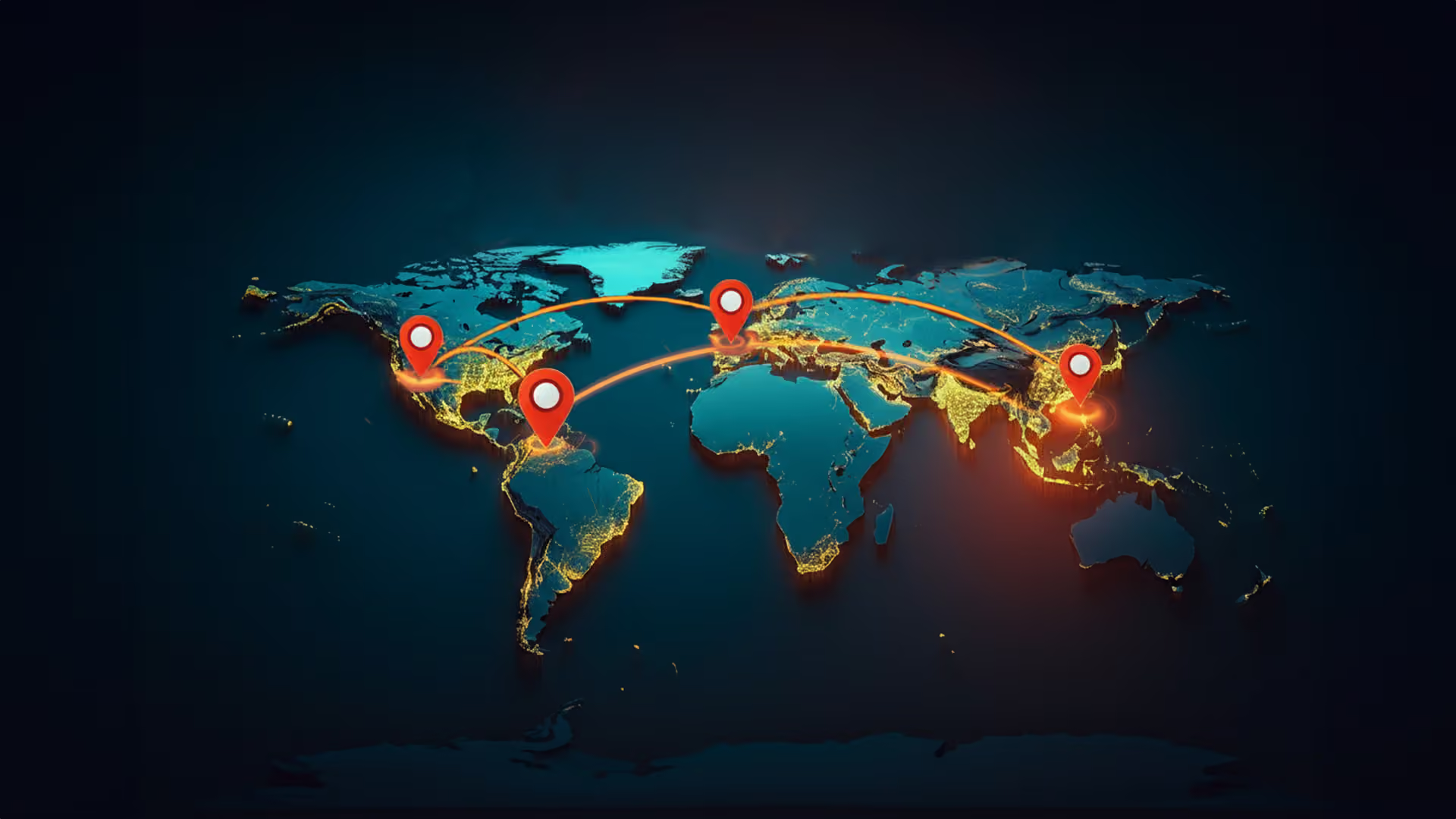
Real-time sync. Changes sync across FLOW users instantly, with integrated project locking.
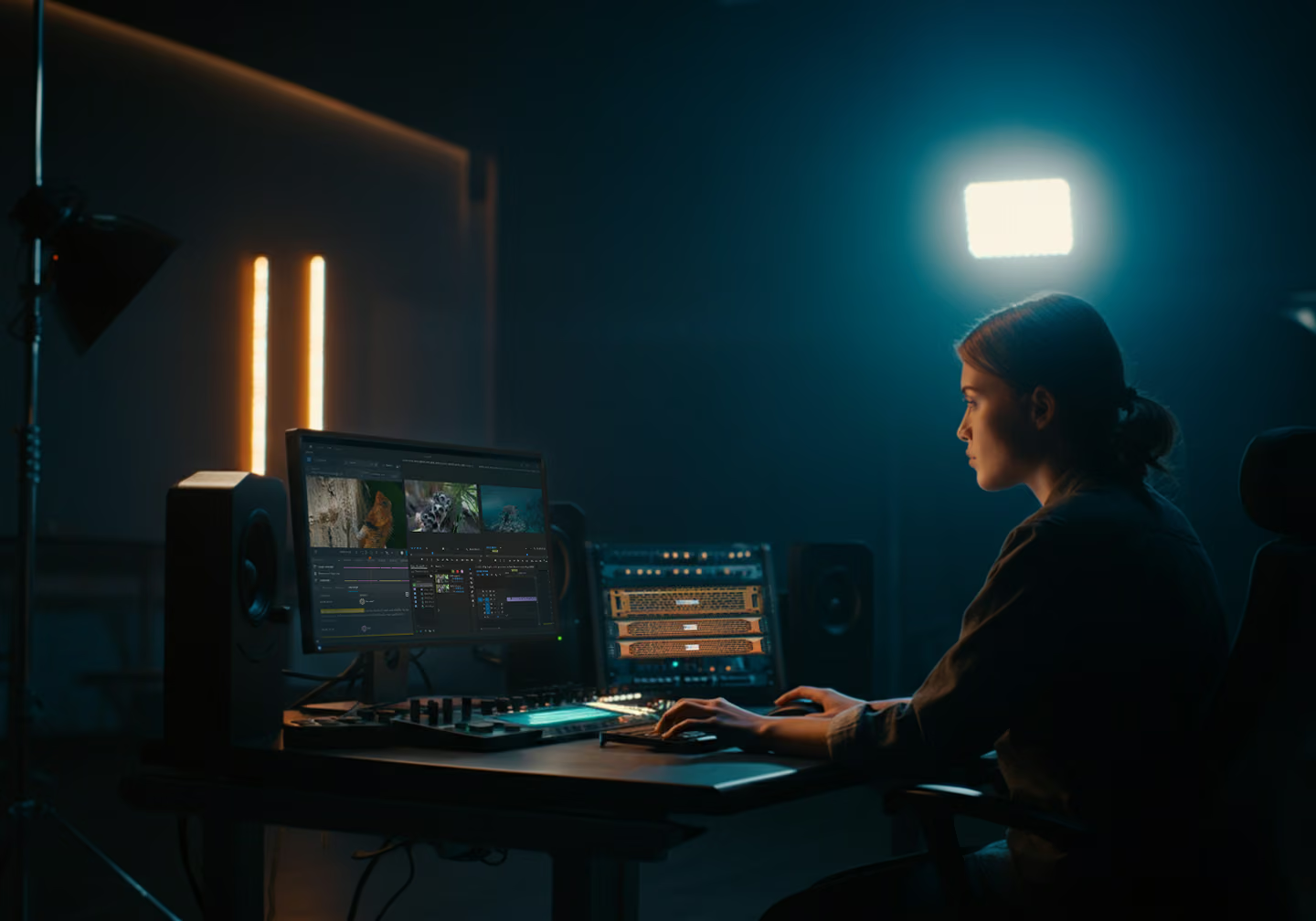
Proxy or hi-res. Download proxies or high-resolution files individually or in batch, or edit with streaming proxies.
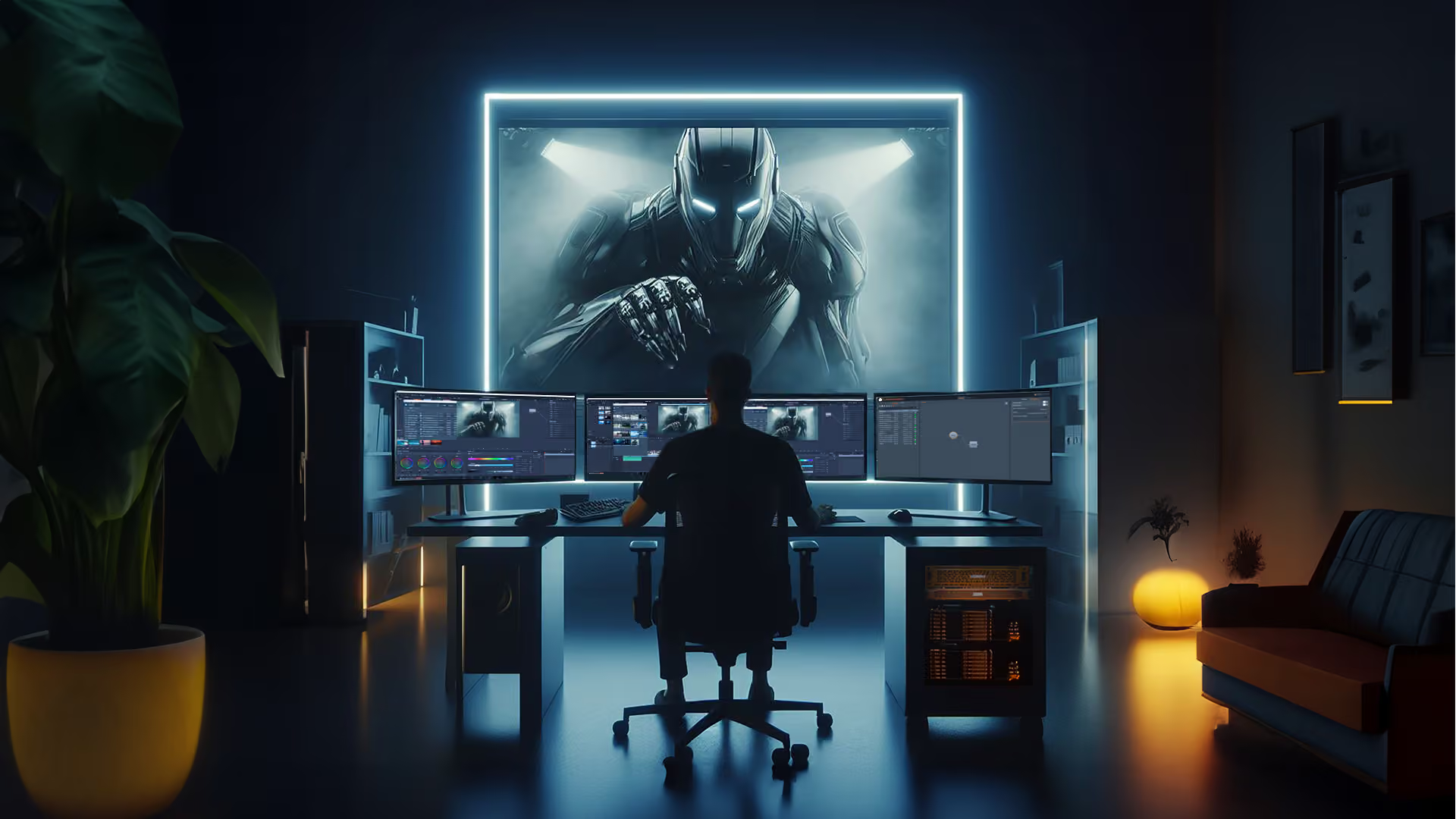
NLE panels. Browse the full database from within Premiere Pro and DaVinci Resolve, with one-click import.
Simple and intuitive. A user interface non-technical contributors can pick up without training.
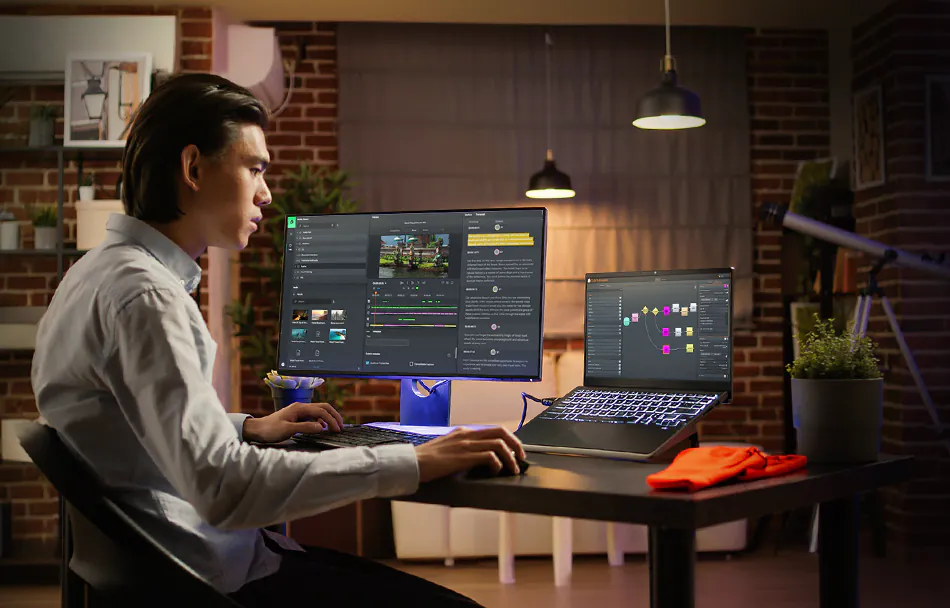
Clear creative direction, from web to timeline
FLOW Shared Projects
Rough cuts that import with every edit intact. Web users create a FLOW project and start cutting on a laptop or tablet. Those projects import directly into other NLEs with all timeline cuts preserved, and comments and timecode-tagged markers travel with them so finishing editors know exactly what the story is. The same web platform lets global collaborators search, log, organize, play, upload, and download content directly to EFS storage nodes across multi-team, multi-location productions.
Edit with NLE panels
Your whole database, inside Premiere Pro and Resolve
No more leaving your creative application. The FLOW Panel for Adobe Premiere Pro and DaVinci Resolve puts your entire EFS library one click away, with advanced search to find the right shot fast. Metadata comments and markers created in FLOW appear inside the Premiere or Resolve sequence, so nothing gets lost in the handoff.
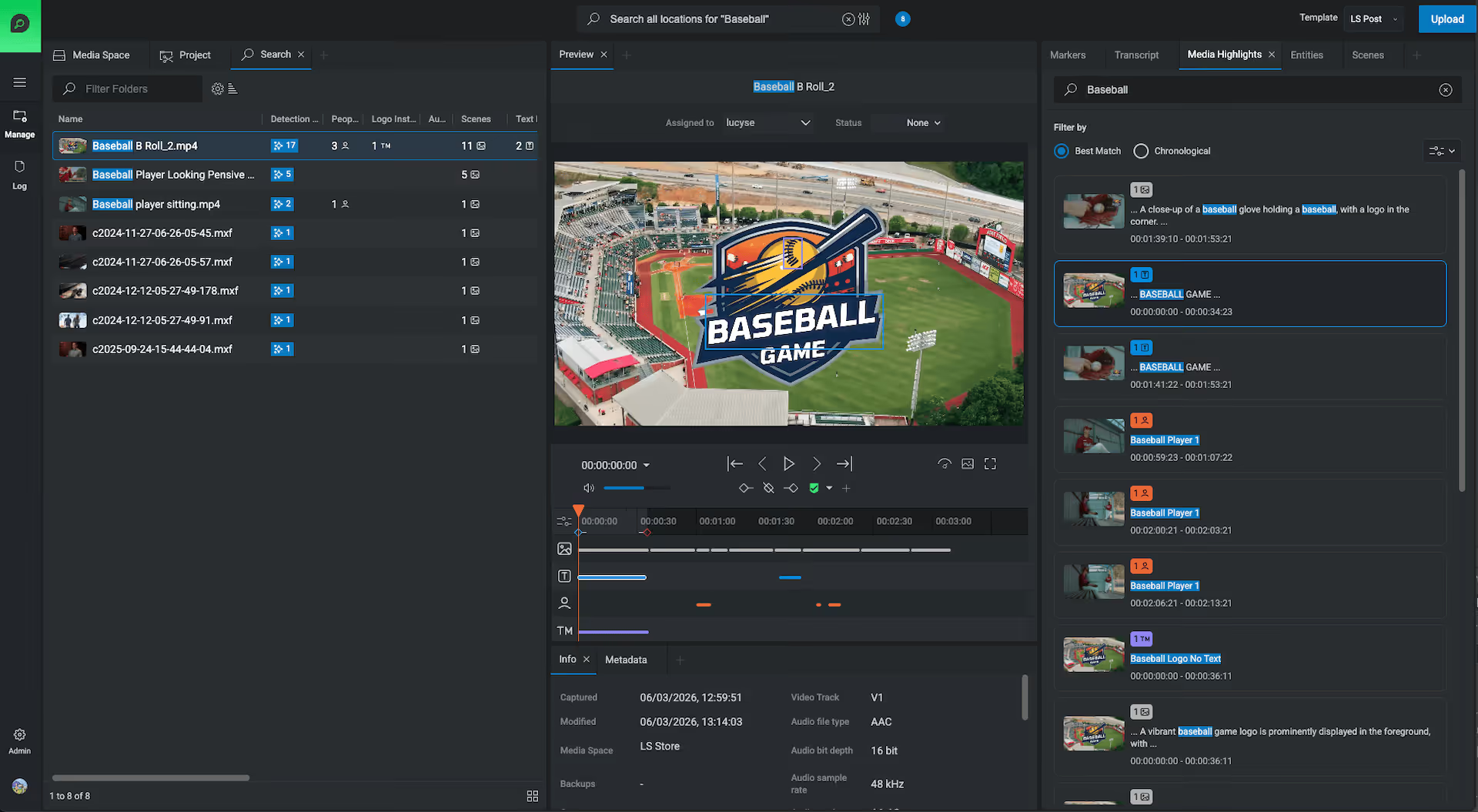
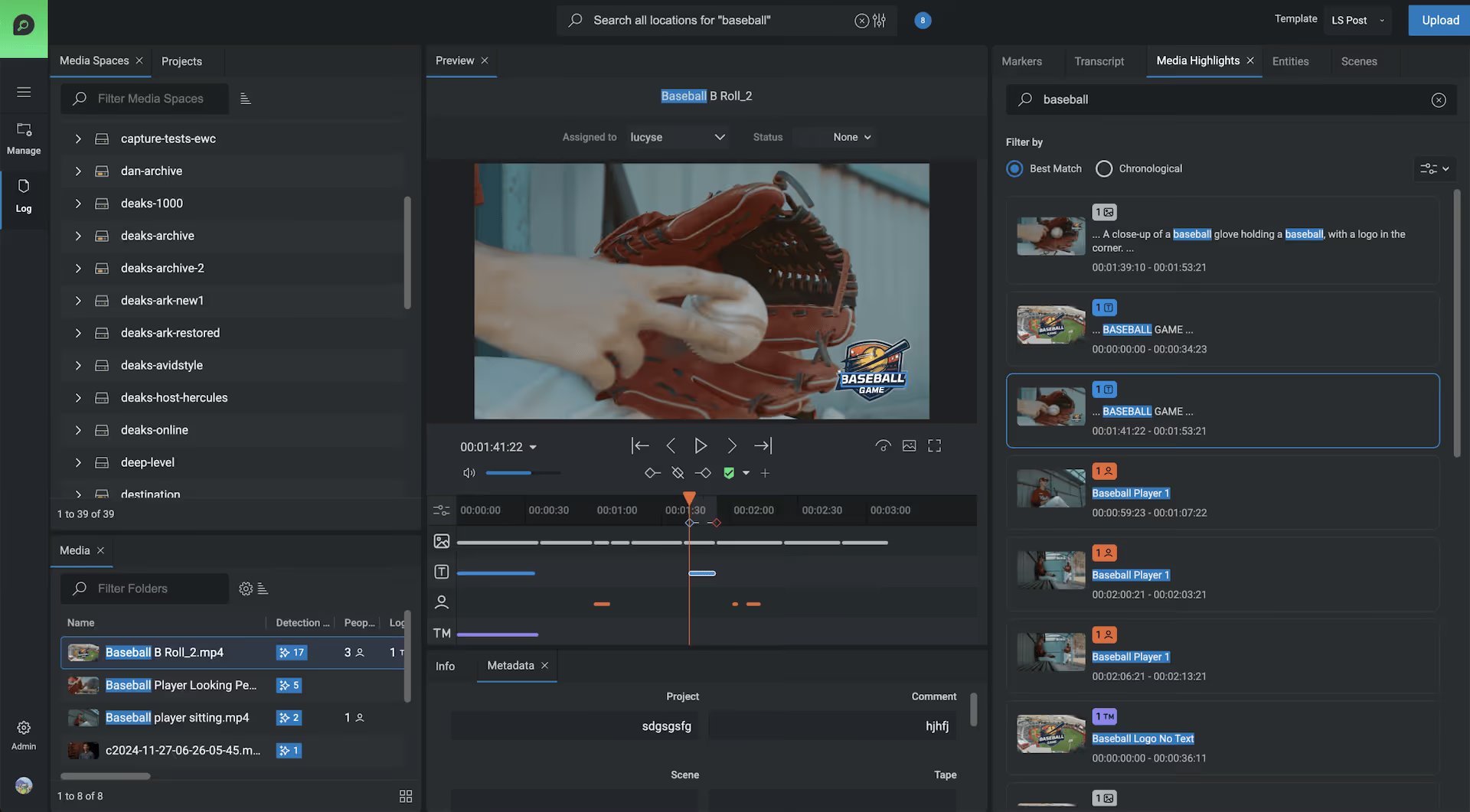
Search and preview assets, then open them straight into Premiere Pro or DaVinci Resolve.
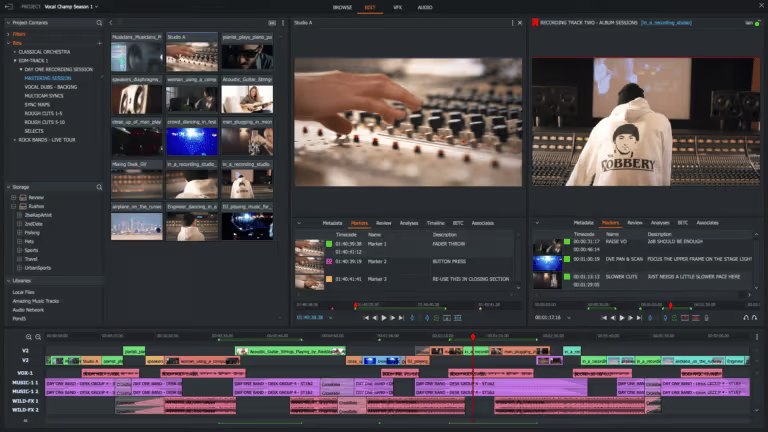
Import rough cuts assembled in the web-based sequence editor, or from transcript highlights.
Offline or online workflows, importing high-resolution or proxy material as the job needs.
Markers and metadata arrive in the bin and on the timeline alongside the media.
Publish back to FLOW with versioning, so the rest of the team picks up where you left off.
Edit your way.
Connect your favorite NLE with EditShare for a smoother, more efficient editing experience.