
Cutting edge collaboration. Anywhere, anytime
Distributed teams work on the same media together, without waiting on file transfers.

FLOW · Remote Workflows
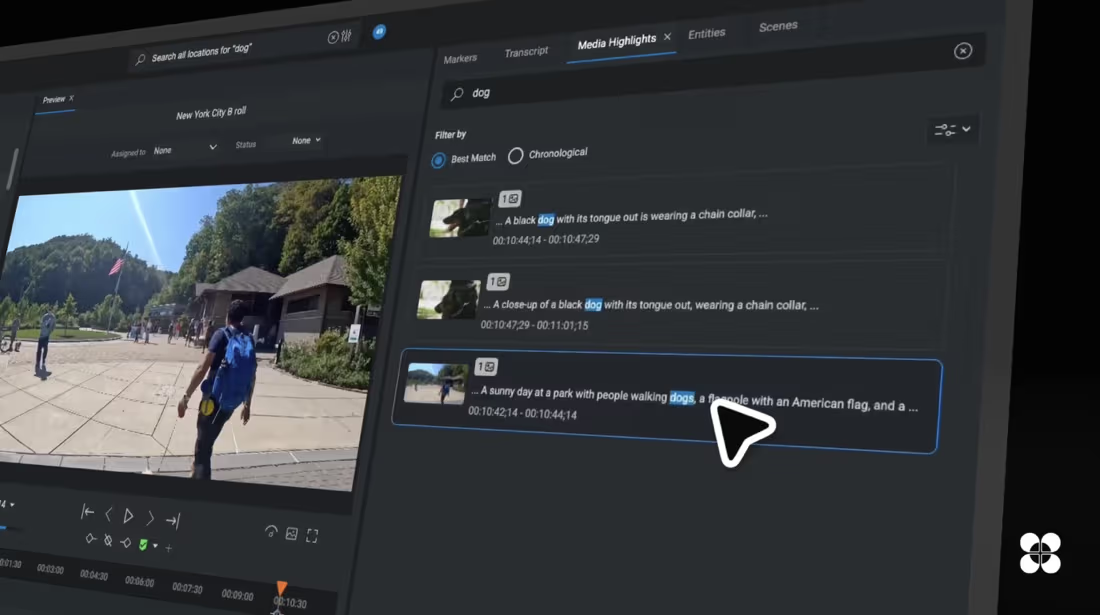
Automate logging with Video and Audio Analysis tools from our partners, fully integrated into FLOW.
Distributed teams work on the same media together, without waiting on file transfers.
Remote access runs over a controlled connection to your storage, with no open ports to the internet.
Editors work against proxies and high-resolution material that stays on your own storage.
The client measures network conditions and adapts, so the connection holds on any link.
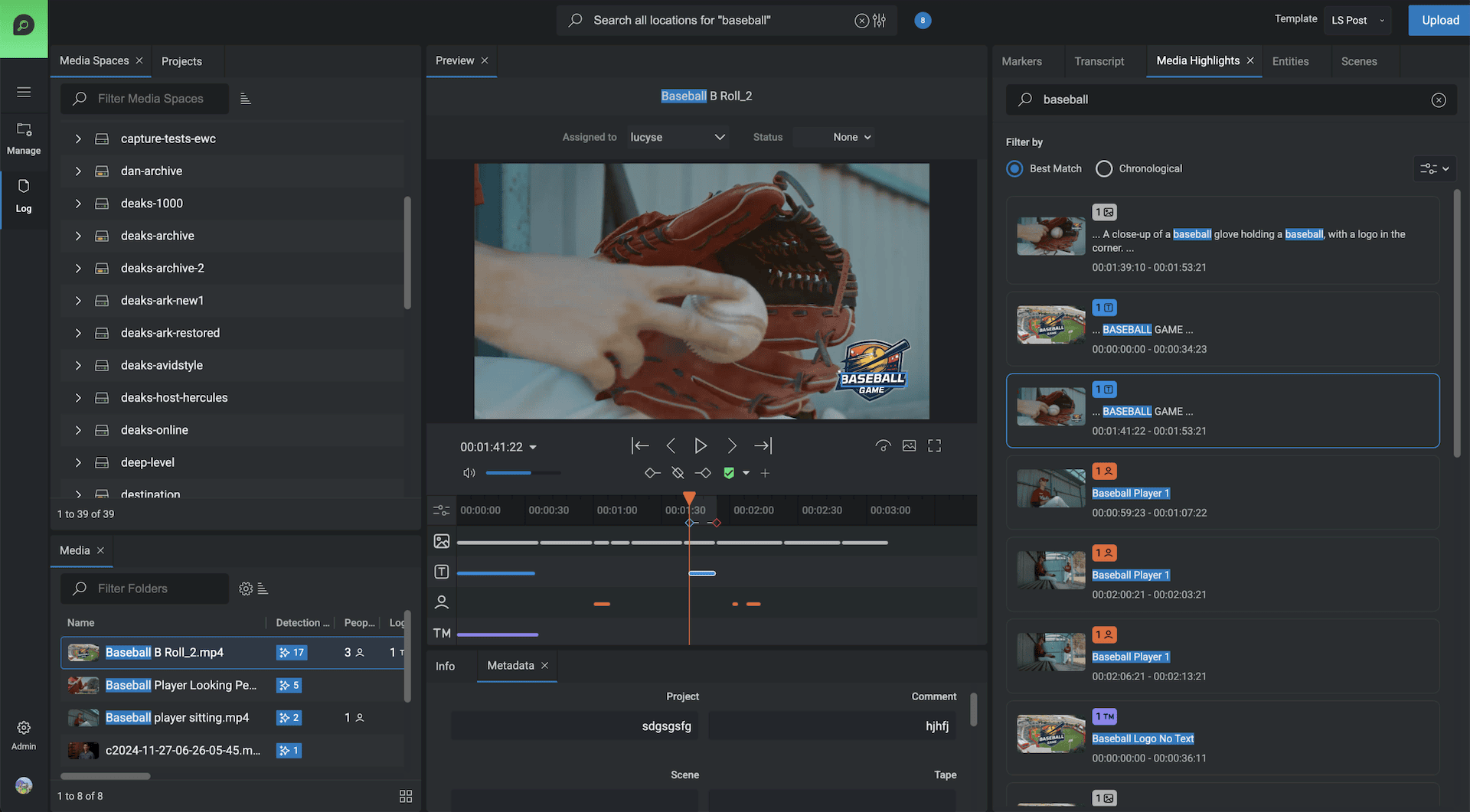
Video and audio analysis
Use Facial recognition, shot detection and keywording for adding log data to assets automatically. Audio analysis can transcribe any spoken word from many languages. Use the logging data and transcripts to search for important highlights and quickly create rough cuts to pass onto an editor.
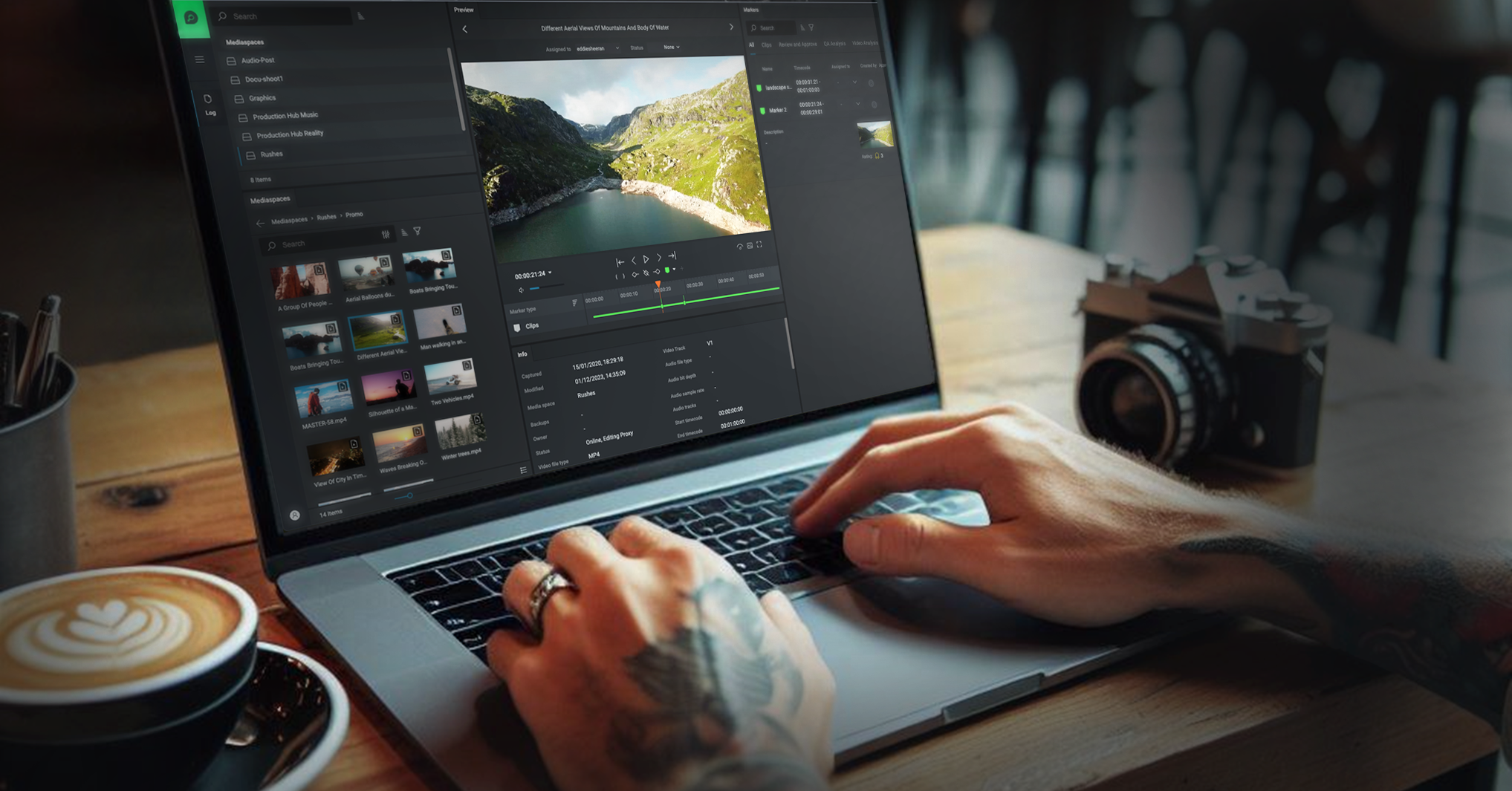
EFS Swift Link
EFS Swift Link transforms the workflow of creative post professionals, in the facility or remotely, with full creative control and no need to download any media.
Simply and transparently, the EFS client adapts to the network conditions of individual workstations, allowing users to maintain a strong connection to the storage network.
Wherever you are, it gives you access to both proxies and high-resolution media, so you have the resources you need to work efficiently.
One of the standout features of EFS Swift Link is its ability to detect network latency automatically.
Once you mount the storage using EditShare Connect, the entire feature set of FLOW can be used remotely.
Unified global workflow
FLOW's multi-site, multi-location workflows involve centrally organizing and controlling digital assets across diverse geographical locations. It enables teams across different sites to securely share, manage, and update assets in real time, optimizing productivity and maintaining cohesive brand and operational standards across all locations.
Get started with EditShare and transform your remote workflows.